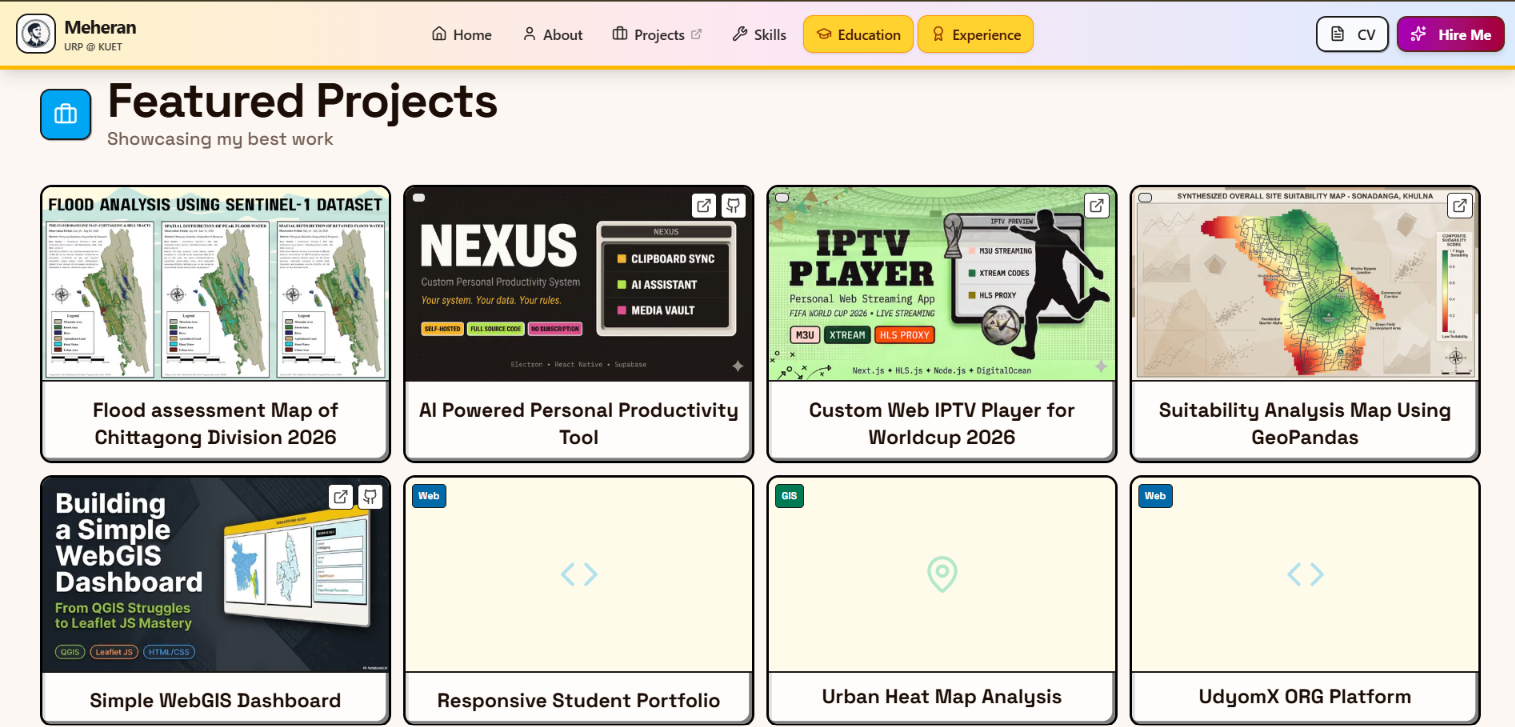
All Project Showcase of MD MOKAMMEL MORSHED

All Project Showcase of MD MOKAMMEL MORSHED

#Showcase#Projects
By Md Mokammel Morshed•Sep 13, 2026•30 min

PROJECT01.Web Development & Vibe Coding: UdyomX ORG - Dynamic Content Platform

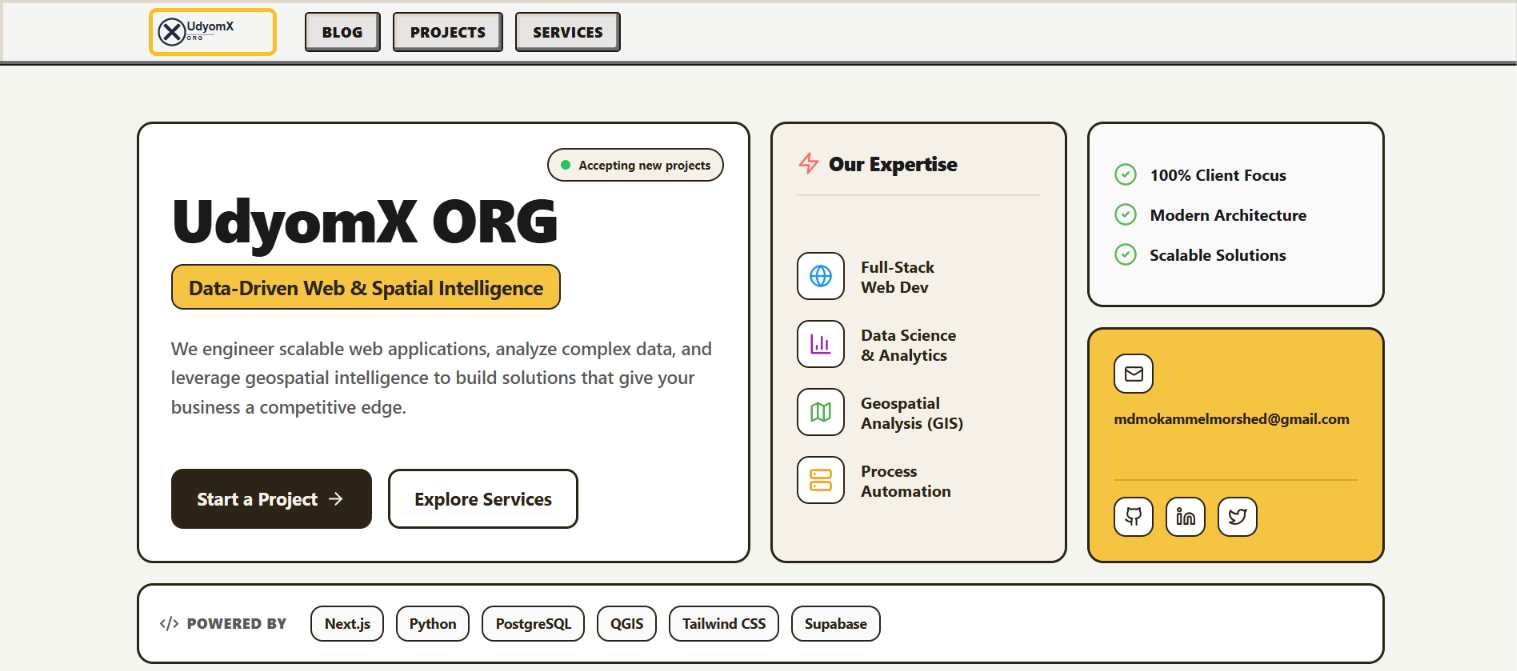
A full-stack content platform built to publish, organize, manage, and present technical content, projects, and service pages from one place. I designed the system with a flexible publishing workflow and custom administration, allowing different types of pages to be created instantly without rebuilding the site each time.
Timeline: 7-10 Days
Scope: Full-Stack
Stack: Next.js · Node.js · Supabase
udyomx.meheran.dev
Core Capabilities
  • Content Management: Publish and organize blogs, projects, galleries, and custom pages from one unified system.
  • Flexible Page Creation: Deploy different page types instantly without rewriting the core application or rebuilding from scratch.
  • Discovery & Visibility: Engineered with SEO, AEO, structured data, FAQs, and recommendation engines to help users find the right content.
  • Centralized Administration: Manage content, media, and platform access securely through a dedicated admin dashboard.
Project Decisions
How fast can a new campaign or event page be deployed?

Because the system isn't hardcoded, new landing pages can be generated instantly. The custom engine allows the creation of standalone pages with their own layouts, media galleries, and dynamic FAQs directly from the dashboard—built explicitly for rapid, on-demand deployment.

Why build a custom platform instead of using a standard CMS?

I wanted tighter control over the architecture, page structure, and publishing workflow. A custom system gave me that flexibility while keeping the platform entirely focused on the features I actually needed, without the overhead of unnecessary third-party plugins.

How did you manage such a wide feature set without making it difficult to maintain?

I focused on building reusable systems instead of creating every page separately. Content, media, navigation, FAQs, and page structures were designed as modular components. This allows new content and pages to be added without repeatedly changing the core application.

PROJECT02.Web Development & Vibe Coding: Digital Identity & Portfolio

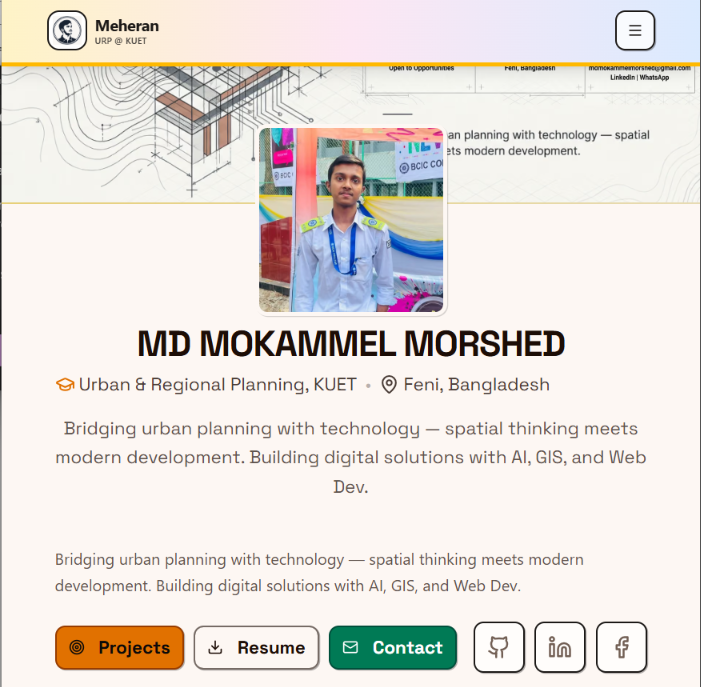
A responsive personal portfolio designed to turn a wide range of skills, projects, experience, and achievements into one clear digital identity. I designed and developed the interface, responsive experience, and content structure with SEO/AEO and long-term content management in mind.
Timeline: 5-7 Days
Scope: UI/UX & Full-Stack
Stack: Next.js · Tailwind CSS · Supabase
meheran.dev
Core Capabilities
  • Information Architecture: Structured projects, skills, and background so visitors can understand the complete profile at a glance without reading a dense resume.
  • Responsive UI Design: Engineered a fluid, multi-device layout that maintains clean typography and visual hierarchy across mobile, tablet, and desktop screens.
  • Reusable Showcase Cards: Modular card components built to highlight diverse projects with immediate clarity, scannability, and individual deep-dive links.
  • Search & Discoverability: Implemented structured metadata and SEO/AEO-friendly architecture to make the portfolio discoverable by both search engines and AI agents.
Design Decisions
How did you organize diverse information without it feeling like a plain CV?

I grouped content hierarchically based on what a visitor looks for first: core identity, technical capabilities, proof of work, and practical experience. By using modular cards and clear spacing, deep details remain accessible without cluttering the initial viewport.

What was the engineering approach behind the showcase cards?

I treated each card as a visual entry point rather than a static list item. Each component surfaces the title, domain tags, and core impact at a glance, allowing readers to scan, compare, and explore different types of work instantly.

How was the system built for future expansion and maintenance?

The platform relies on dynamic components and Supabase rather than static hardcoded blocks. New accomplishments, events, and projects can be introduced seamlessly through a dedicated backend without altering the fundamental design system.

PROJECT03.Web Development & Vibe Coding: NEXUS - Personal Productivity Infrastructure

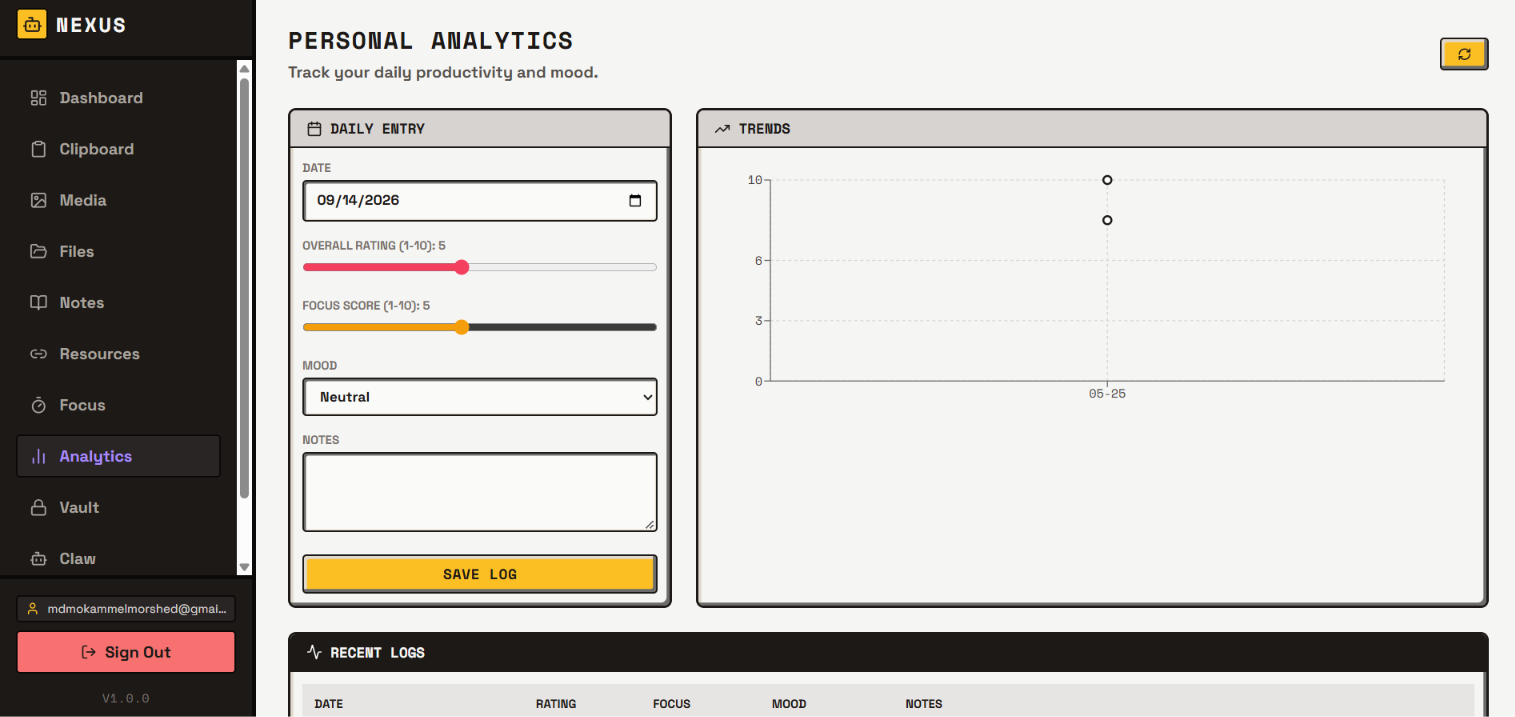
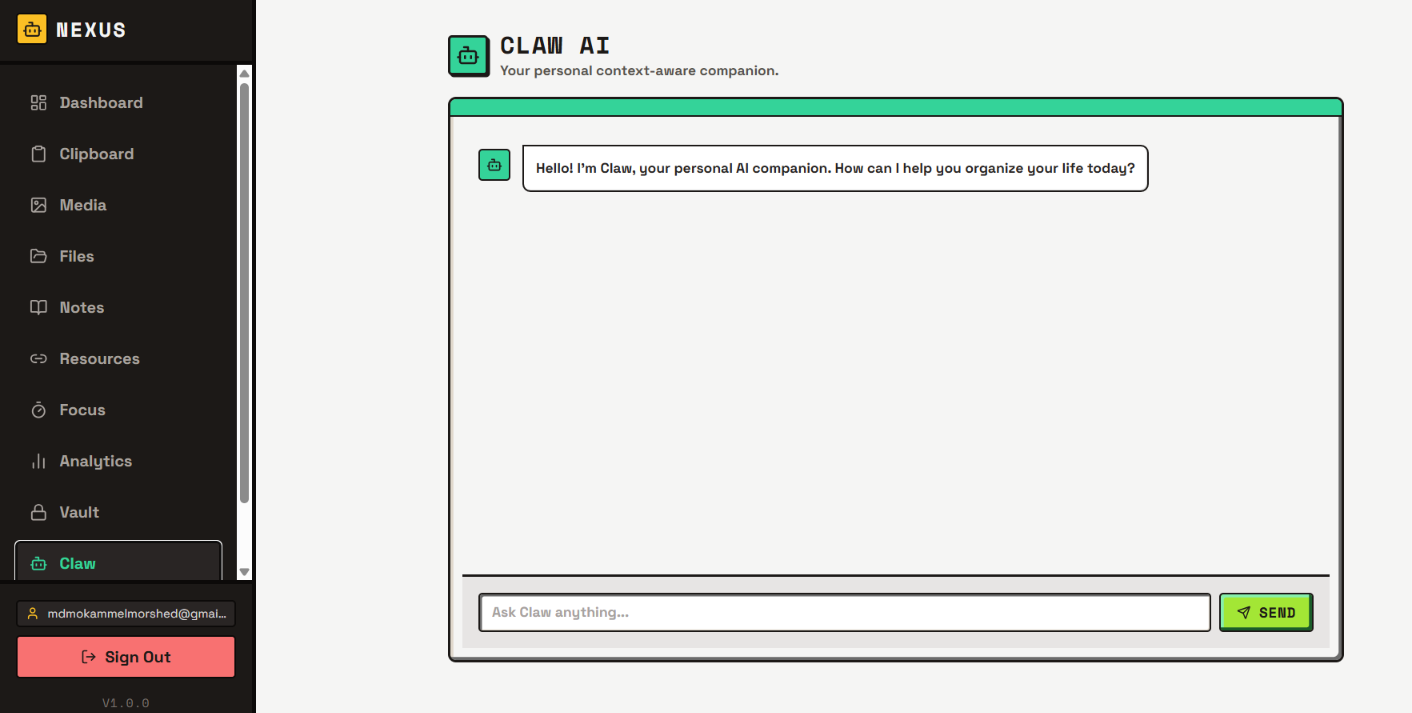
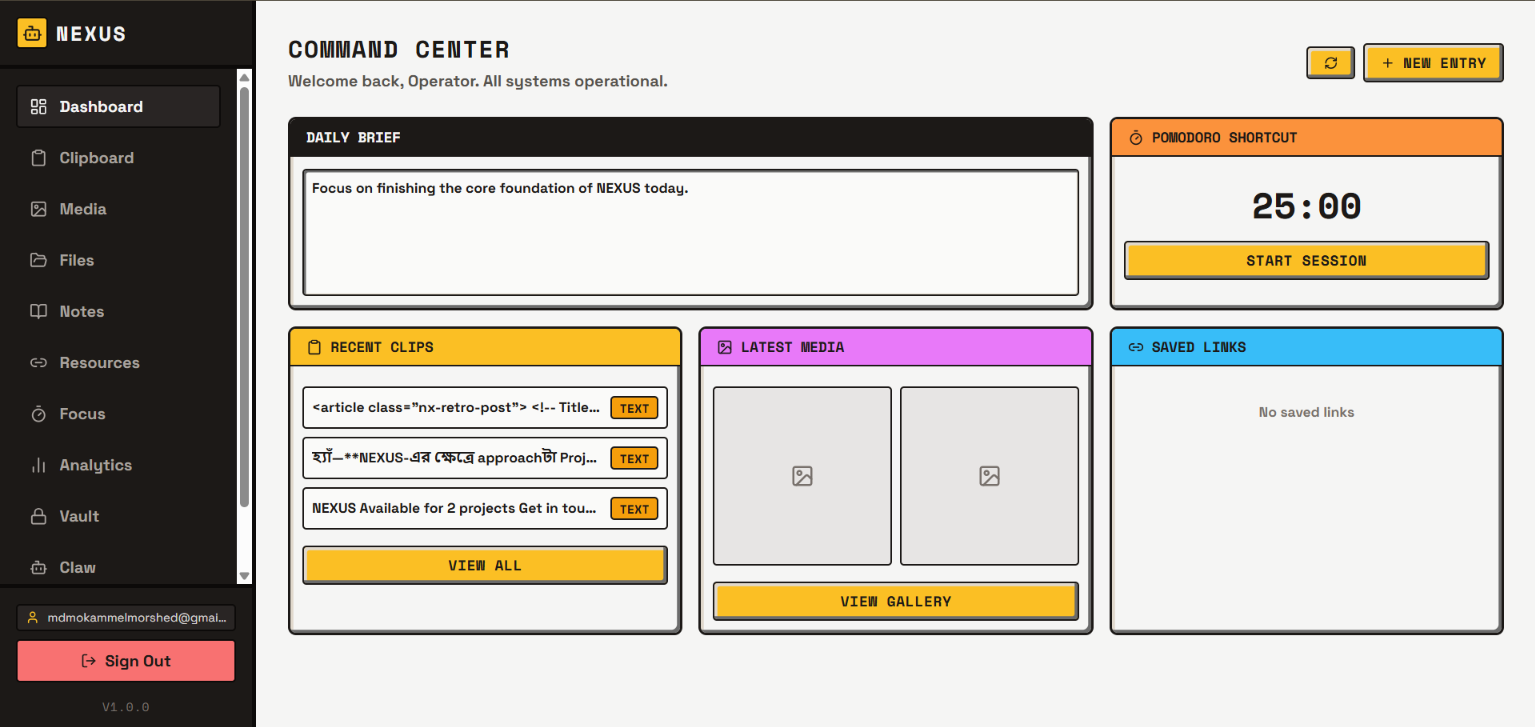
I built NEXUS to manage my own files, notes, and daily tasks across my phone and computer. It is a private system I use every day to keep my workflow organized in one central place, rather than scattering my data across five different apps. It started as a personal experiment and grew into the operational backbone of my daily routine.
Status: Active & Evolving
Scope: Full-Stack System
Stack: Next.js · React Native · Supabase
next.meheran.dev
Built Around
  • Unified Workspace: All important notes, files, and resources are organized securely in one central hub.
  • Cross-Device Flow: Move data seamlessly between mobile and desktop without breaking the workflow.
  • Secure Access: A private Google Login ensures my personal data is locked away from public view.
  • Activity Tracking: Turns daily habits and work sessions into simple visual charts to help me understand my workflow.
From Personal Workflow to Team Infrastructure

Right now, NEXUS is built just for my personal use. But the core architecture is highly scalable. By adding role-based access, this exact model can become a team system. For example, an executive team could access planning documents, while an event team accesses media assets—all from the same secure platform, without mixing everyone's data together.

Could this system support different users and permissions?

Yes. While I use it alone right now, the database is designed so roles can be added easily. This means a system like this could give a content team access to certain files, while keeping financial or management documents locked safely for executives.

Why build one big system instead of using several existing apps?

Using many different apps makes data messy and hard to find. Building my own central system gives me full control over my files. I decide how my data is organized, and I can add new features immediately whenever my daily workflow changes.

SHOWCASE04: AI Visual Framework - Automated Brand Design

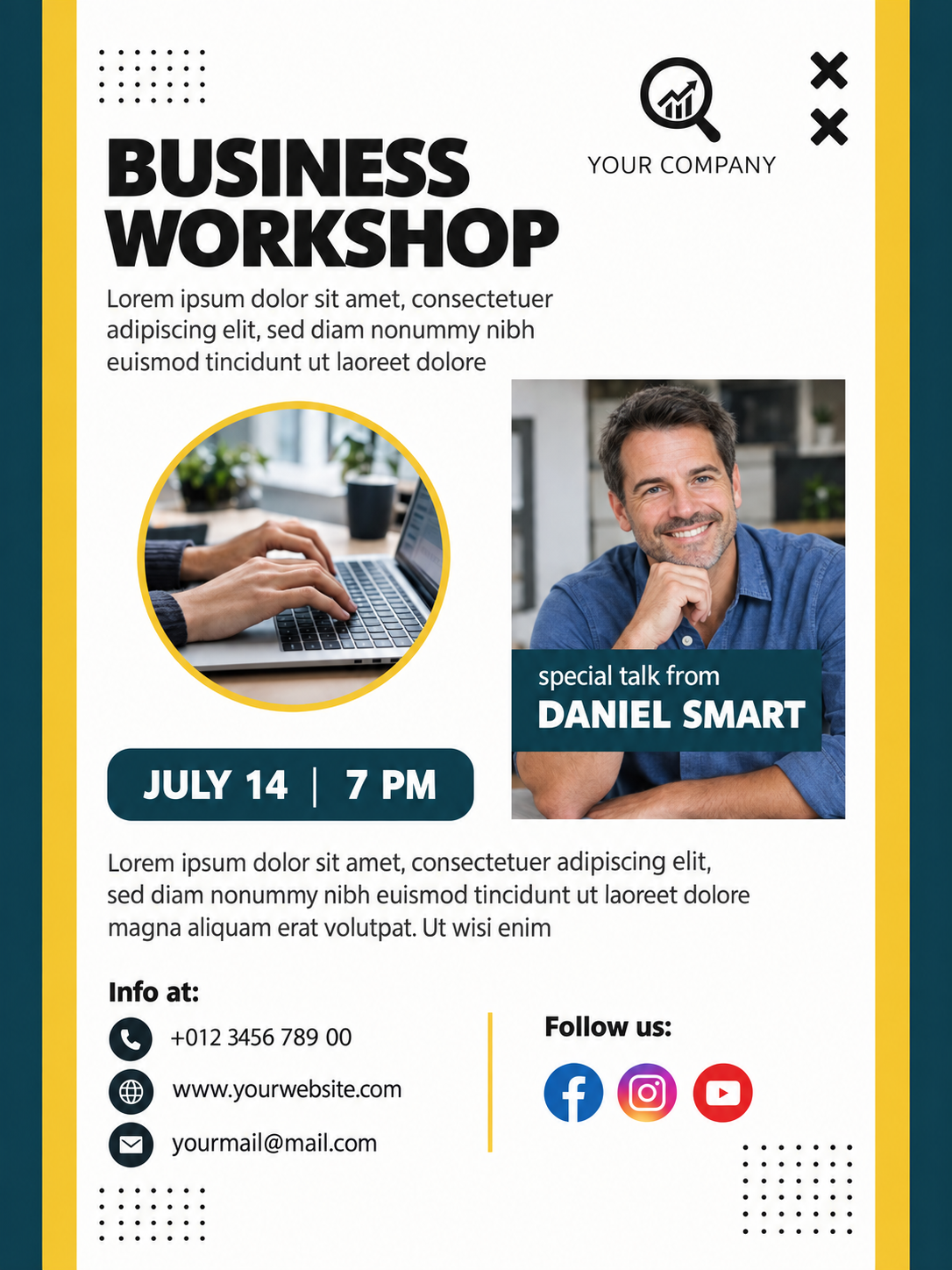
I built a structured framework to generate consistent, professional designs using AI. Instead of manually editing graphics every time there is a new event or campaign, this system uses engineered text prompts to create posters, social media cards, and thumbnails that always match a specific brand identity. It turns hours of repetitive design work into a fast, highly scalable process.

Note: The images below are conceptual mockups designed specifically to demonstrate how this framework handles organizational branding.

Media Viewer
1/1
X
Media Viewer
1/1
X
Media Viewer
1/1
X
Media Viewer
1/1
X
Media Viewer
1/1
X
Media Viewer
1/1
X
Media Viewer
1/1
X
Media Viewer
1/1
X
Media Viewer
1/1
X
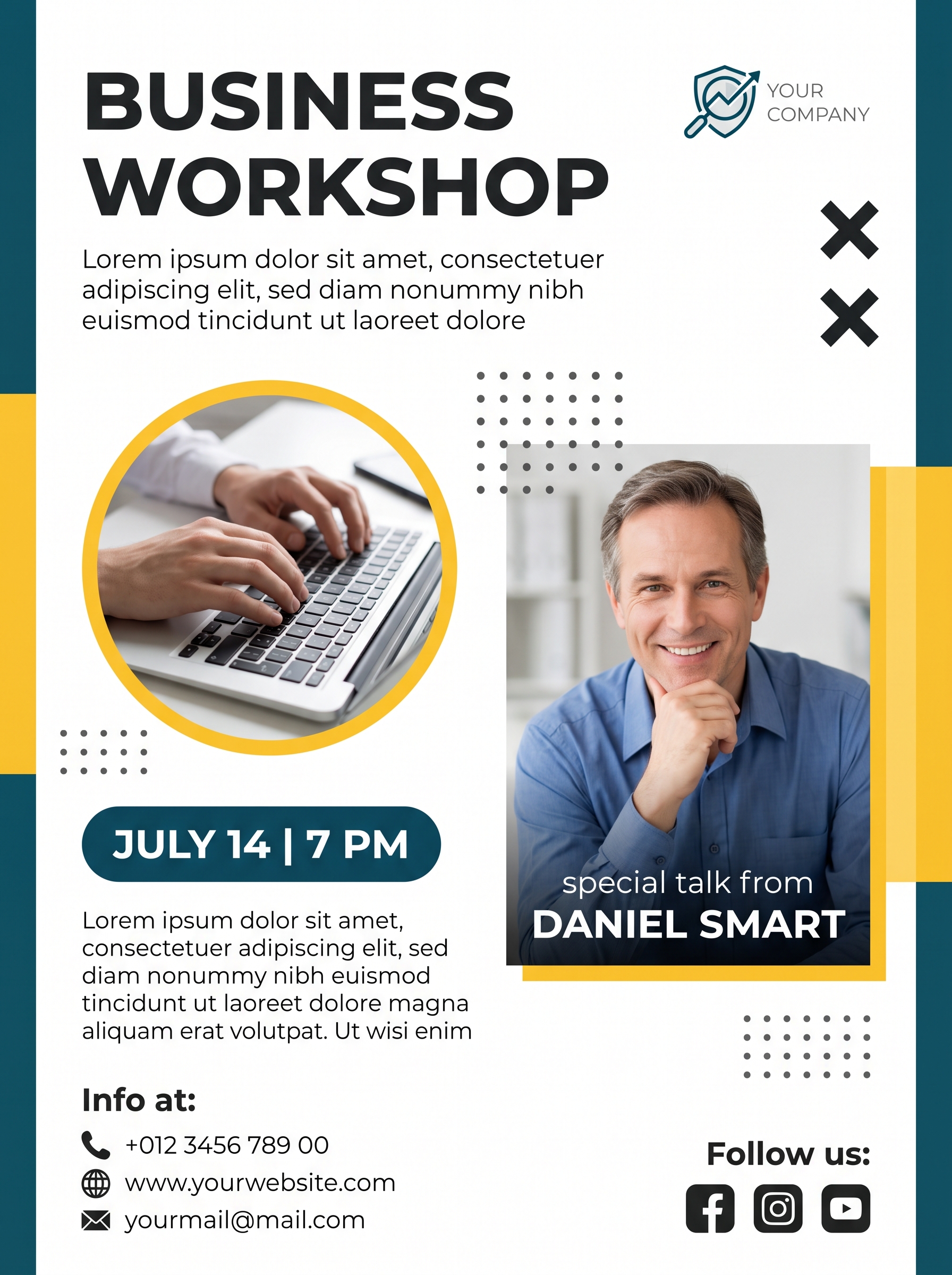
Poster Framework
AI
X
> Active_Prompt_Architecture { "AI_SYSTEM_INSTRUCTIONS": { "CRITICAL_RULE_1": "DO NOT render any keys, structural instructions, percentages (e.g., 5%, 10%, 70%), or layout names on the image canvas.", "CRITICAL_RULE_2": "Dimensions, aspect ratios, and percentages are STRICTLY internal layout metadata for spatial calculations, not visible text.", "CRITICAL_RULE_3": "ONLY generate readable text on the image if it is inside a 'literal_text' field. Do not print any other data.", "CRITICAL_RULE_4": "When instructed to place an 'icon' (e.g., 'x_shape', 'facebook'), visually draw the actual symbol/logo. DO NOT write the word 'cross' or 'icon'." }, "document": { "type": "poster_layout", "orientation": "portrait", "metadata_dimensions_do_not_print": { "width_percentage": 100, "height_percentage": 100, "aspect_ratio": "3:4" }, "layout_color_palette": { "background_central": "#FFFFFF", "background_side_panels": "#0F4C5C", "accent_yellow": "#F7CA41", "text_main": "#1A1A1A", "text_body": "#444444", "text_accent_white": "#FFFFFF" } }, "layout_structure": { "side_panels": { "left_panel": { "metadata_width_percentage": 5, "background_color": "#0F4C5C" }, "right_panel": { "metadata_width_percentage": 5, "background_color": "#0F4C5C" } }, "inner_panels": { "left_inner": { "metadata_width_percentage": 10, "background_color": "#F7CA41" }, "right_inner": { "metadata_width_percentage": 10, "background_color": "#F7CA41" } }, "central_white_area": { "metadata_width_percentage": 70 } }, "content_elements": [ { "element": "Main Title Text", "position": "top_left", "literal_text": "BUSINESS WORKSHOP", "text_styling": { "font_weight": "bold", "font_size": "large", "color": "#1A1A1A" } }, { "element": "Subtitle Description", "position": "below_main_title", "literal_text": "Lorem ipsum dolor sit amet, consectetuer adipiscing elit, sed diam nonummy nibh euismod tincidunt ut laoreet dolore", "text_styling": { "font_weight": "regular", "font_size": "medium", "color": "#444444" } }, { "element": "Top Right Icons", "position": "top_right_panel", "visual_instruction": "Draw two actual visual 'X' marks stacked vertically. Do not write the letter X.", "icon_color": "#1A1A1A" }, { "element": "Company Logo", "position": "top_right_of_content", "visual_instruction": "Draw a magnifying glass/shield logo with a chart line inside.", "literal_text": "YOUR COMPANY", "text_styling": { "font_weight": "light", "color": "#1A1A1A" } }, { "element": "Left Circular Image", "position": "mid_left_central", "visual_instruction": "Realistic photo of hands typing on a laptop keyboard. Mask the photo in a perfect circle with a yellow (#F7CA41) border." }, { "element": "Right Portrait Image", "position": "mid_right_central", "visual_instruction": "Realistic photo of a smiling middle-aged man in a blue shirt, leaning chin on his hand. Rectangular shape.", "overlay_text": [ { "literal_text": "special talk from", "text_styling": { "font_weight": "regular", "color": "#FFFFFF" } }, { "literal_text": "DANIEL SMART", "text_styling": { "font_weight": "bold", "color": "#FFFFFF" } } ] }, { "element": "Date and Time Badge", "position": "mid_lower_left", "background_shape": "rounded_rectangle_dark_blue", "literal_text_date": "JULY 14", "literal_text_separator": "|", "literal_text_time": "7 PM", "text_styling": { "color": "#FFFFFF", "font_weight": "bold" } }, { "element": "Bottom Paragraph", "position": "below_date_badge", "literal_text": "Lorem ipsum dolor sit amet, consectetuer adipiscing elit, sed diam nonummy nibh euismod tincidunt ut laoreet dolore magna aliquam erat volutpat. Ut wisi enim", "text_styling": { "font_weight": "regular", "color": "#444444" } }, { "element": "Contact Info", "position": "bottom_left", "literal_text_title": "Info at:", "list_items": [ { "visual_icon_to_draw": "telephone receiver symbol", "literal_text": "+012 3456 789 00" }, { "visual_icon_to_draw": "globe/web symbol", "literal_text": "www.yourwebsite.com" }, { "visual_icon_to_draw": "email envelope symbol", "literal_text": "yourmail@mail.com" } ] }, { "element": "Social Media", "position": "bottom_right", "literal_text_title": "Follow us:", "visual_icons_to_draw": ["facebook logo", "instagram logo", "youtube logo"] }, { "element": "Background Patterns", "visual_instruction": "Draw 3 distinct grids of small dots (color #1A1A1A). Do not write any text here." } ] }
HOW IT WORKS: This prompt acts as a reusable design framework. Instead of writing a new prompt from scratch, the system uses a fixed architectural structure where I plug in my contextual data, automatically generating consistent, brand-aligned brand assets every time.
Var 1
Var 2
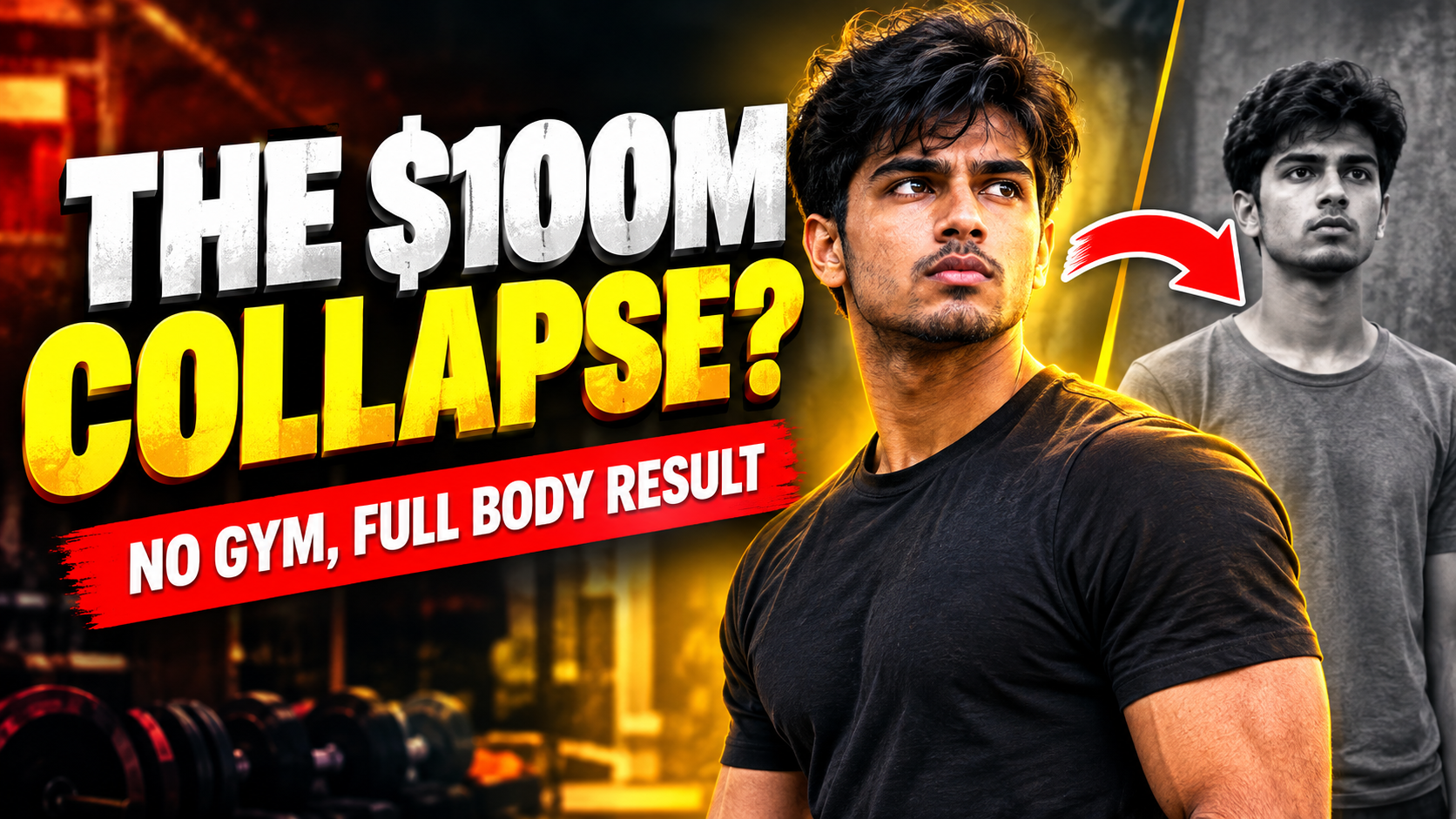
Flagship Event Logic
AI
X
> Active_Prompt_Architecture { "AI_SYSTEM_INSTRUCTIONS": { "CRITICAL_RULE_1": "DO NOT render layout metadata, coordinates, percentages, or structural instructions on the final image canvas.", "CRITICAL_RULE_2": "ONLY generate readable text on the image if it is explicitly inside a 'literal_text' field.", "CRITICAL_RULE_3": "VISUAL STYLE: High-end YouTube thumbnail style. Cinematic 8k resolution, ultra-vibrant contrast, dramatic color grading, professional studio lighting, sharp focus on characters, blurred or atmospheric bokeh background with high visual impact." }, "document": { "type": "youtube_thumbnail_universal_layout", "orientation": "landscape", "metadata_dimensions_do_not_print": { "aspect_ratio": "16:9", "resolution": "1280x720" }, "global_color_grading": { "mood": "[INSERT MOOD - e.g., Shocking, High-Stakes, Exciting, Mysterious]", "color_palette": ["[INSERT PRIMARY COLOR]", "[INSERT ACCENT COLOR]", "Deep Charcoal"], "lighting_effect": "Volumetric rim lighting, strong background contrast, cinematic depth-of-field" } }, "layout_structure": { "background_layer": { "visual_instruction": "[INSERT BACKGROUND DETAILS - Describe the environmental setting, blurred bokeh effect, and contextual elements relevant to your topic]" }, "subjects_layer": { "position": "[INSERT POSITION - e.g., Right-aligned / Foreground / Split]", "visual_instruction": "[INSERT SUBJECT DETAILS - Describe the main character, their expression/emotion, pose, and professional lighting]" }, "badges_and_accents_layer": { "position": "[INSERT POSITION - e.g., Top-left corner or framing edge]", "visual_instruction": "[INSERT ACCENT DETAILS - e.g., A glowing warning stamp, countdown badge, or versus divider]" } }, "content_elements": [ { "element": "Primary Headline (The Hook)", "position": "Left side, massive and prominent", "literal_text": "[INSERT YOUR MAIN HOOK TEXT HERE - Keep it short, bold, and punchy]", "text_styling": { "font_family": "Heavy Impact Sans-Serif / Montserrat Black", "font_weight": "Ultra-black", "text_transform": "uppercase", "primary_color": "#FFFFFF", "highlight_color": "[INSERT HIGHLIGHT COLOR - e.g., #FACC15 or #EF4444]", "effects": "Heavy dark drop-shadow, 3D blocky extrusion, high legibility for mobile screens" } }, { "element": "Secondary Context Tag (Sub-headline)", "position": "Below primary headline or inside a solid badge box", "literal_text": "[INSERT SUB-TEXT OR CONTEXT HERE]", "text_styling": { "font_family": "Bold Sans-Serif", "font_weight": "bold", "text_transform": "uppercase", "background_box": "Solid contrasting container block", "color": "#FFFFFF" } } ] }
HOW IT WORKS: This prompt acts as a reusable design framework. Instead of writing a new prompt from scratch, the system uses a fixed architectural structure where I plug in my contextual data, automatically generating consistent, brand-aligned brand assets every time.
Var 1
Var 2
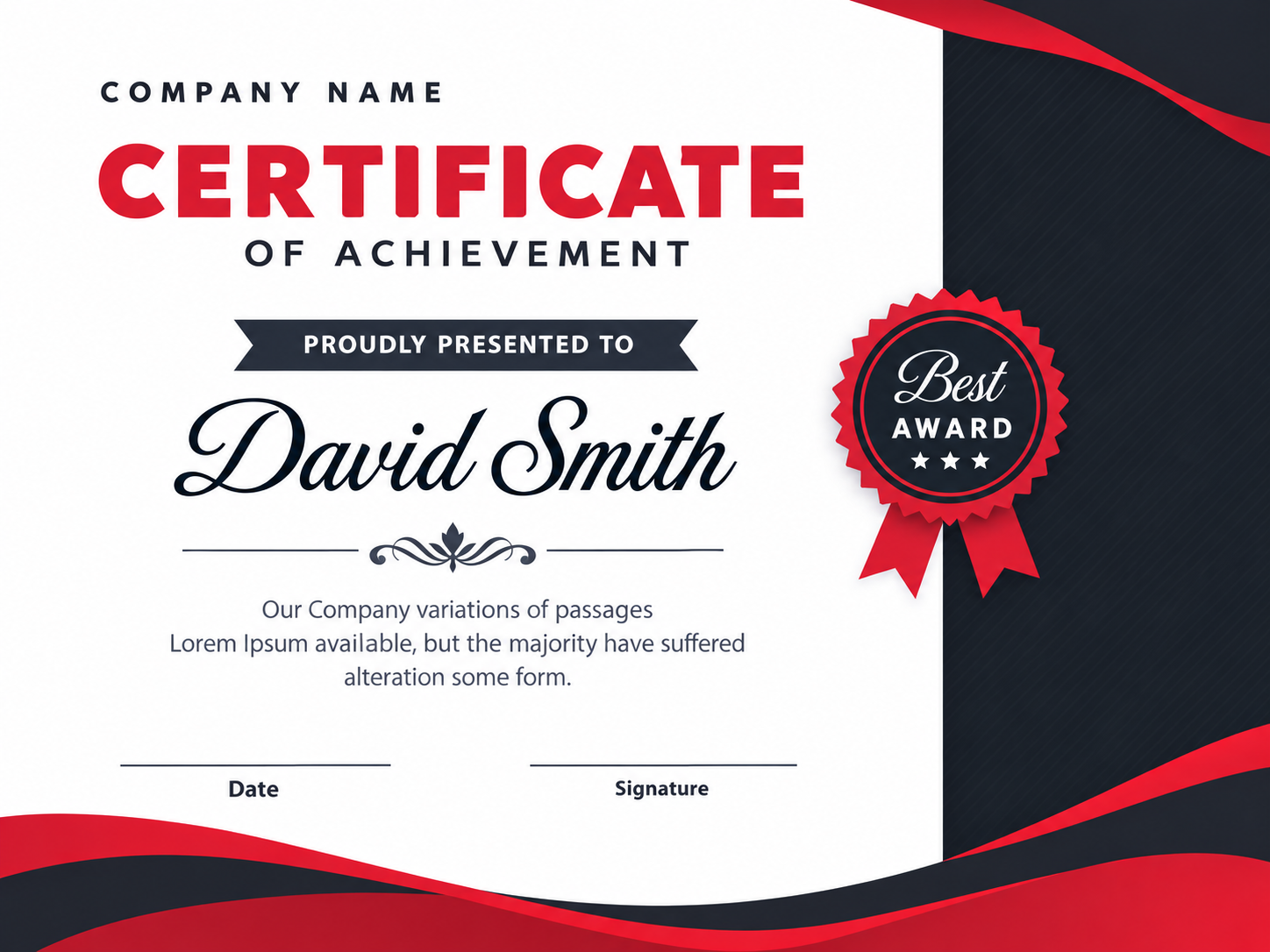
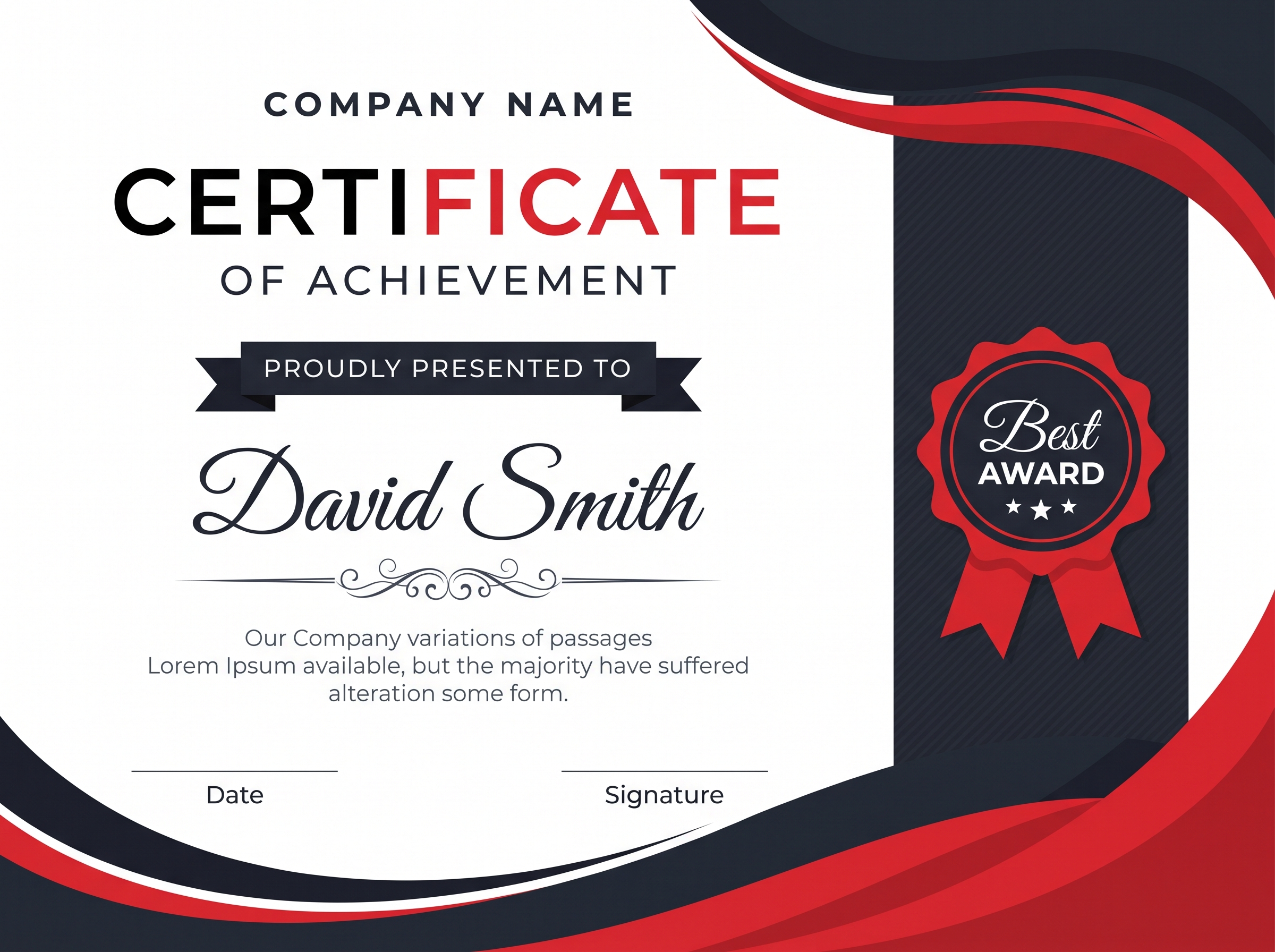
Certificate Template
AI
X
> Active_Prompt_Architecture { "AI_SYSTEM_INSTRUCTIONS": { "CRITICAL_RULE_1": "DO NOT render any layout metadata, percentage keys, layout names, or structural instructions (e.g., 'width_percentage') on the image canvas.", "CRITICAL_RULE_2": "ONLY generate readable text on the image if it is inside a 'literal_text' field.", "CRITICAL_RULE_3": "Visual style is modern, sleek, and elegant corporate. Use smooth vector-style curves and clean typography." }, "document": { "type": "certificate_layout", "theme": "Modern Corporate Elegant", "orientation": "landscape", "metadata_dimensions_do_not_print": { "aspect_ratio": "4:3" }, "layout_color_palette": { "background_base": "#FFFFFF", "dark_accent": "#23262D", "red_accent": "#DF2935", "text_main": "#23262D", "text_muted": "#4B5563" } }, "layout_structure": { "main_canvas": { "background_color": "#FFFFFF", "visual_instruction": "Clean white central background." }, "right_side_panel": { "position": "right_edge", "visual_instruction": "A vertical rectangular block covering approximately the right 30% of the canvas. Filled with dark color (#23262D) featuring a very subtle diagonal pinstripe or halftone dot texture." }, "corner_decorations": { "top_right": { "visual_instruction": "Smooth, swooping, overlapping vector wave shapes originating from the top right. The waves are layered using the dark accent (#23262D) and red accent (#DF2935) colors." }, "bottom": { "visual_instruction": "Large, smooth, swooping overlapping vector waves spanning across the entire bottom and bottom-right corner. Layered identically to the top right with dark (#23262D) and red (#DF2935) curves." } } }, "content_elements": [ { "element": "Header Text", "position": "top_center_left", "literal_text": "COMPANY NAME", "text_styling": { "font_family": "modern sans-serif", "font_weight": "bold", "font_size": "small", "letter_spacing": "wide", "color": "#23262D" } }, { "element": "Main Title", "position": "below_header", "literal_text": "CERTIFICATE", "text_styling": { "font_family": "modern sans-serif", "font_weight": "black", "font_size": "extra_large", "letter_spacing": "very_wide", "color": "#DF2935" } }, { "element": "Subtitle", "position": "below_main_title", "literal_text": "OF ACHIEVEMENT", "text_styling": { "font_family": "modern sans-serif", "font_weight": "medium", "font_size": "medium", "letter_spacing": "wide", "color": "#23262D" } }, { "element": "Presentation Ribbon", "position": "middle_center_left", "visual_instruction": "A flat, dark (#23262D) ribbon banner with forked/notched ends.", "literal_text": "PROUDLY PRESENTED TO", "text_styling": { "font_family": "modern sans-serif", "font_weight": "medium", "font_size": "small", "color": "#FFFFFF" } }, { "element": "Recipient Name", "position": "middle_large_center_left", "literal_text": "David Smith", "text_styling": { "font_family": "elegant cursive script", "font_weight": "regular", "font_size": "huge", "color": "#111827" } }, { "element": "Divider Ornament", "position": "below_recipient_name", "visual_instruction": "A delicate, elegant dark grey filigree or floral flourish divider connecting two thin horizontal lines." }, { "element": "Body Paragraph", "position": "lower_center_left", "literal_text": "Our Company variations of passages\nLorem Ipsum available, but the majority have suffered\nalteration some form.", "text_styling": { "font_family": "modern sans-serif", "font_weight": "regular", "font_size": "small", "alignment": "center", "color": "#4B5563" } }, { "element": "Signatures", "position": "bottom_left_and_center_left", "visual_instruction": "Two thin, horizontal dark lines spaced apart.", "literal_text_labels": [ { "text": "Date", "position": "under_left_line" }, { "text": "Signature", "position": "under_right_line" } ], "text_styling": { "font_family": "modern sans-serif", "font_weight": "medium", "font_size": "small", "color": "#23262D" } }, { "element": "Award Badge Seal", "position": "overlapping_right_panel_and_white_canvas", "visual_instruction": "A classic scalloped/sunburst certificate seal badge. Outer jagged edge is red (#DF2935). Inner circle is dark (#23262D) with a thin inner red circular border. Two flat red ribbon tails hang below.", "text_content": [ { "literal_text": "Best", "text_styling": { "font_family": "elegant cursive script", "color": "#FFFFFF", "font_size": "medium" } }, { "literal_text": "AWARD", "text_styling": { "font_family": "modern sans-serif", "font_weight": "bold", "color": "#FFFFFF", "font_size": "small", "letter_spacing": "wide" } } ], "badge_icons": "Draw three small white 5-point stars in a horizontal row below the word AWARD." } ] }
HOW IT WORKS: This prompt acts as a reusable design framework. Instead of writing a new prompt from scratch, the system uses a fixed architectural structure where I plug in my contextual data, automatically generating consistent, brand-aligned brand assets every time.
Var 1
Var 2
3D Emblem Framework
AI
X
> Active_Prompt_Architecture { "framework_metadata": { "name": "Isometric 3D Emblem Generator", "version": "1.0", "reference_image_dependency": "Architectural_3D_logo_design_20260917030053.jpeg (Use strictly for structural composition, NOT for content generation)" }, "input_parameters": { "text_name": "", "count": "", "context": "", "color_palette": { "background_base": "", "text_top_face": "", "text_side_face": "", "contour_lines": "", "outer_border": "" } }, "generation_prompt_template": "A unified, single circular emblem badge. Everything is strictly contained inside one perfect circular boundary with a thick outer stroke. Inside the circle: 1) The background is solid featuring fine, wavy topological map contour lines in . 2) In the center, the large text '' is rendered as massive 3D isometric architectural building blocks. The top faces of the letters are flat , and the side faces are with sharp, clean geometric edges. 3) The number '' is seamlessly integrated and nested directly below or within the 3D structure of '', sharing the exact same 3D isometric block style and colors. 4) At the bottom inner edge of the circle, a flat, 2D silhouette of curves perfectly along the rounded bottom boundary. Clean vector aesthetic, high contrast, strictly isometric geometric text merging with a flat circular badge layout.", "css_layout_blueprint": { ".canvas": { "shape": "circle", "border": "6px solid ", "box-shadow": "inset 0 0 0 4px #000000", "overflow": "hidden", "position": "relative", "background-color": "" }, ".background-topological-lines": { "pattern": "wavy-contour-lines", "stroke-color": "", "stroke-width": "1px", "opacity": "0.7", "z-index": "1" }, ".main-3d-text-group": { "content": "''", "layout": "isometric-projection-3D", "font-style": "blocky-geometric-sans-serif", "transform": "rotateX(60deg) rotateZ(-45deg) (Simulated Isometric)", "faces": { "top": { "background": "" }, "front": { "background": "" }, "side": { "background": "darken(, 20%)" } }, "position": "absolute", "center": "true", "z-index": "10" }, ".secondary-count-text": { "content": "''", "layout": "nested-isometric-3D", "attachment": "physically carved into or structurally supporting the bottom of ", "faces": "inherits from .main-3d-text-group", "z-index": "9" }, ".bottom-context-silhouette": { "content": "silhouette of ", "color": "", "position": "absolute", "bottom": "0", "width": "100%", "border-bottom-left-radius": "50%", "border-bottom-right-radius": "50%", "alignment": "curved along the bottom inner edge of the .canvas", "z-index": "5" } } }
HOW IT WORKS: This prompt acts as a reusable design framework. Instead of writing a new prompt from scratch, the system uses a fixed architectural structure where I plug in my contextual data, automatically generating consistent, brand-aligned brand assets every time.
CSE 20
Mecha 24

SHOWCASE05. Computational Photography - LMC Engine
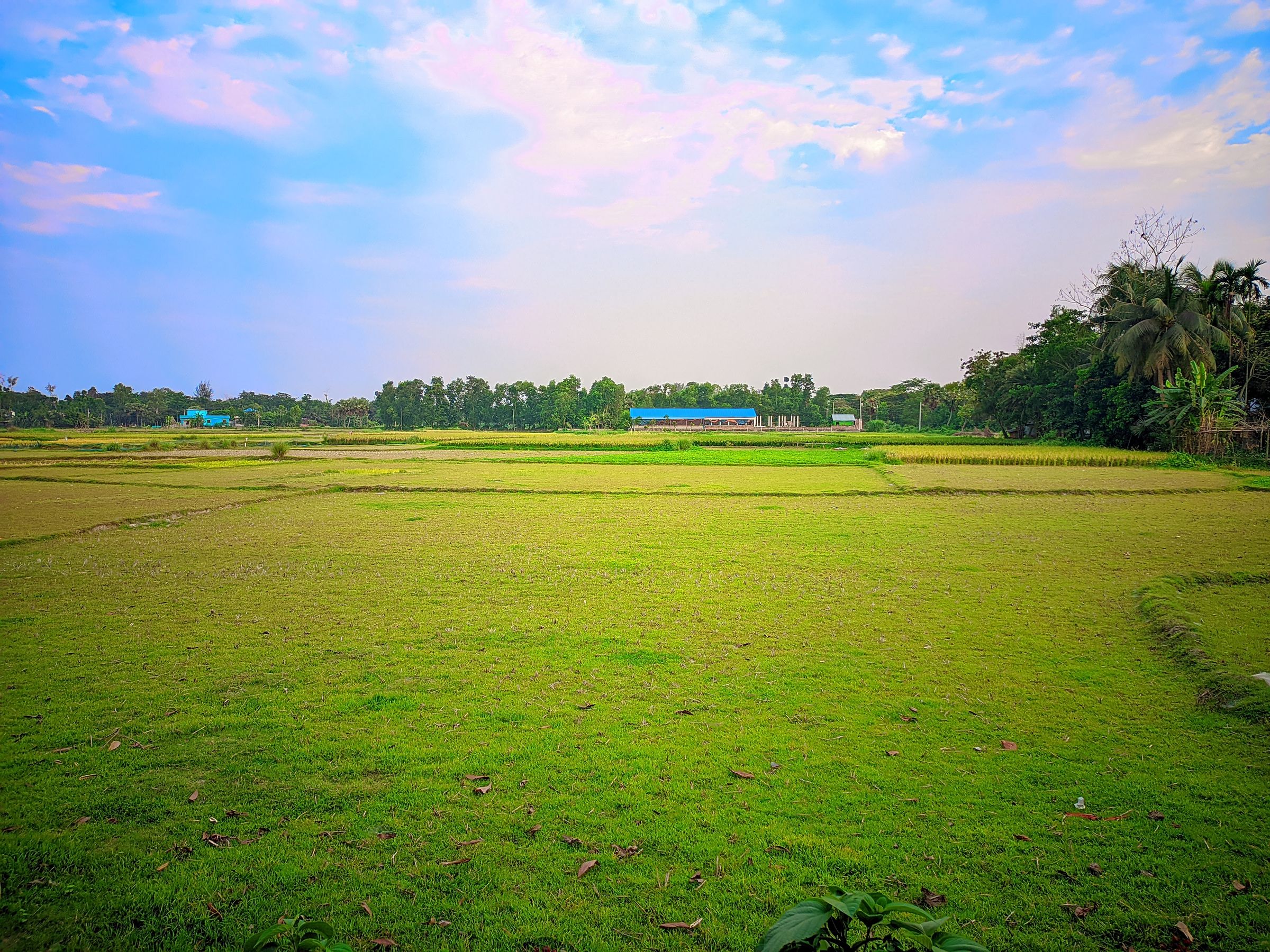
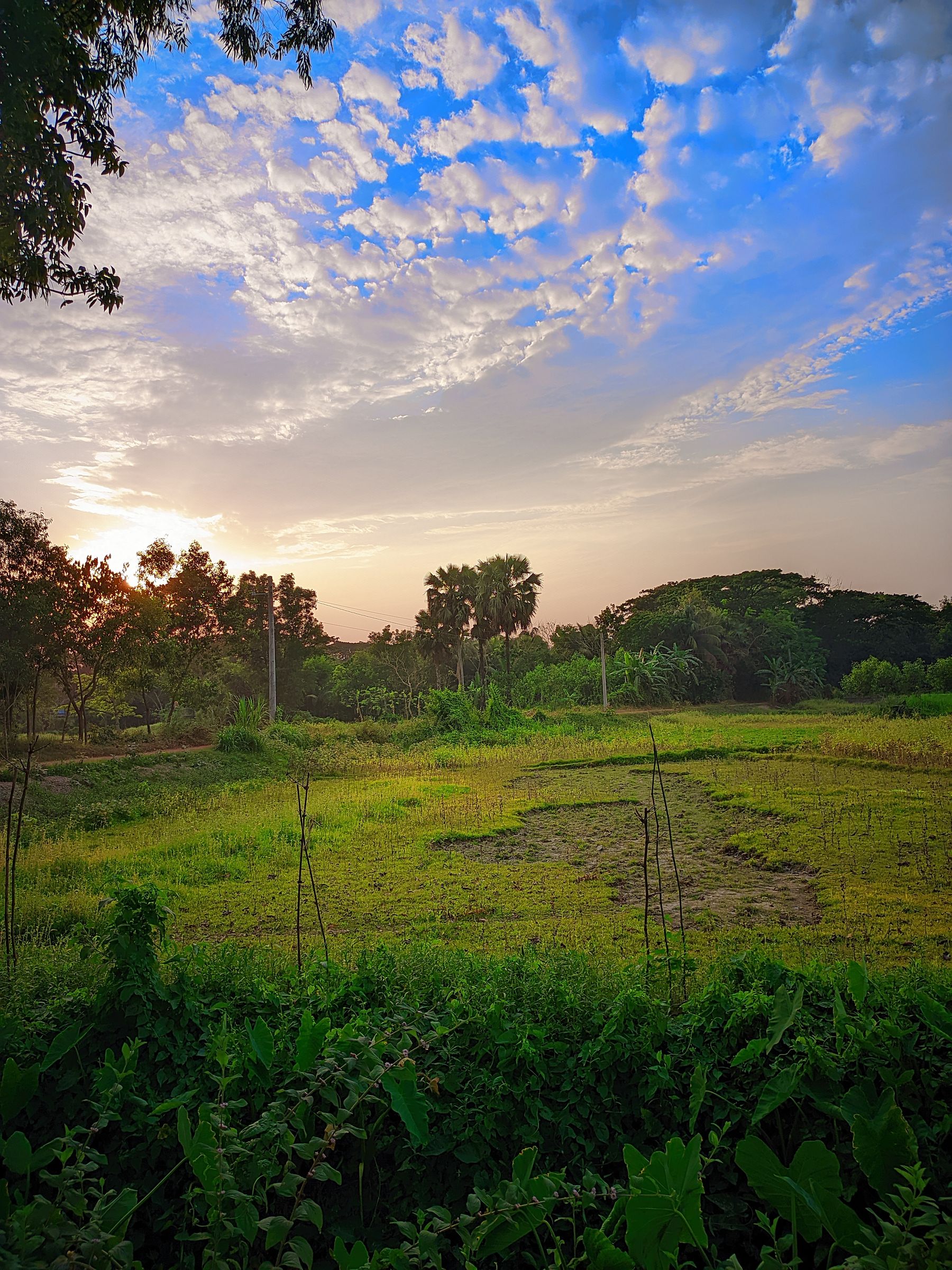
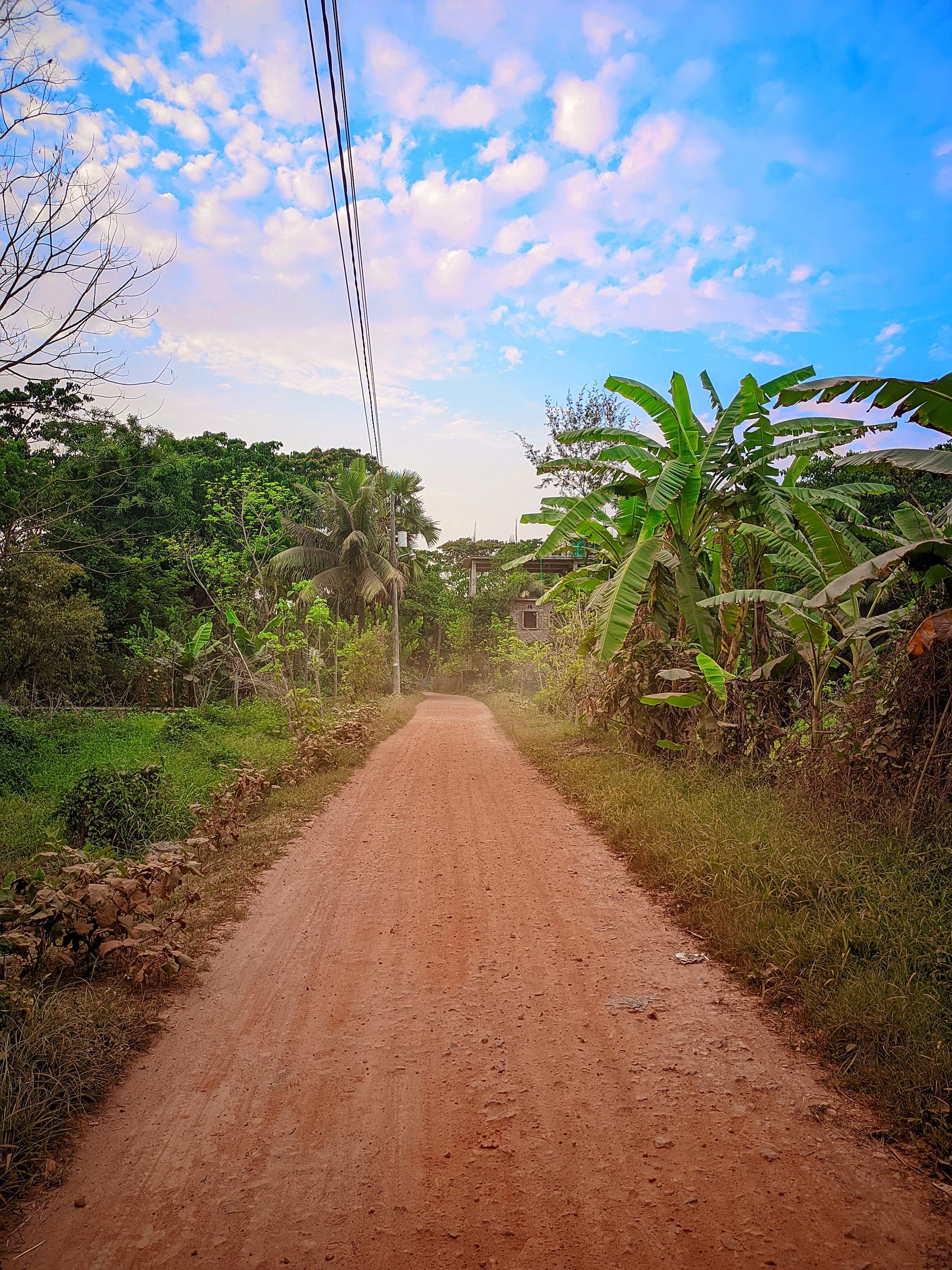
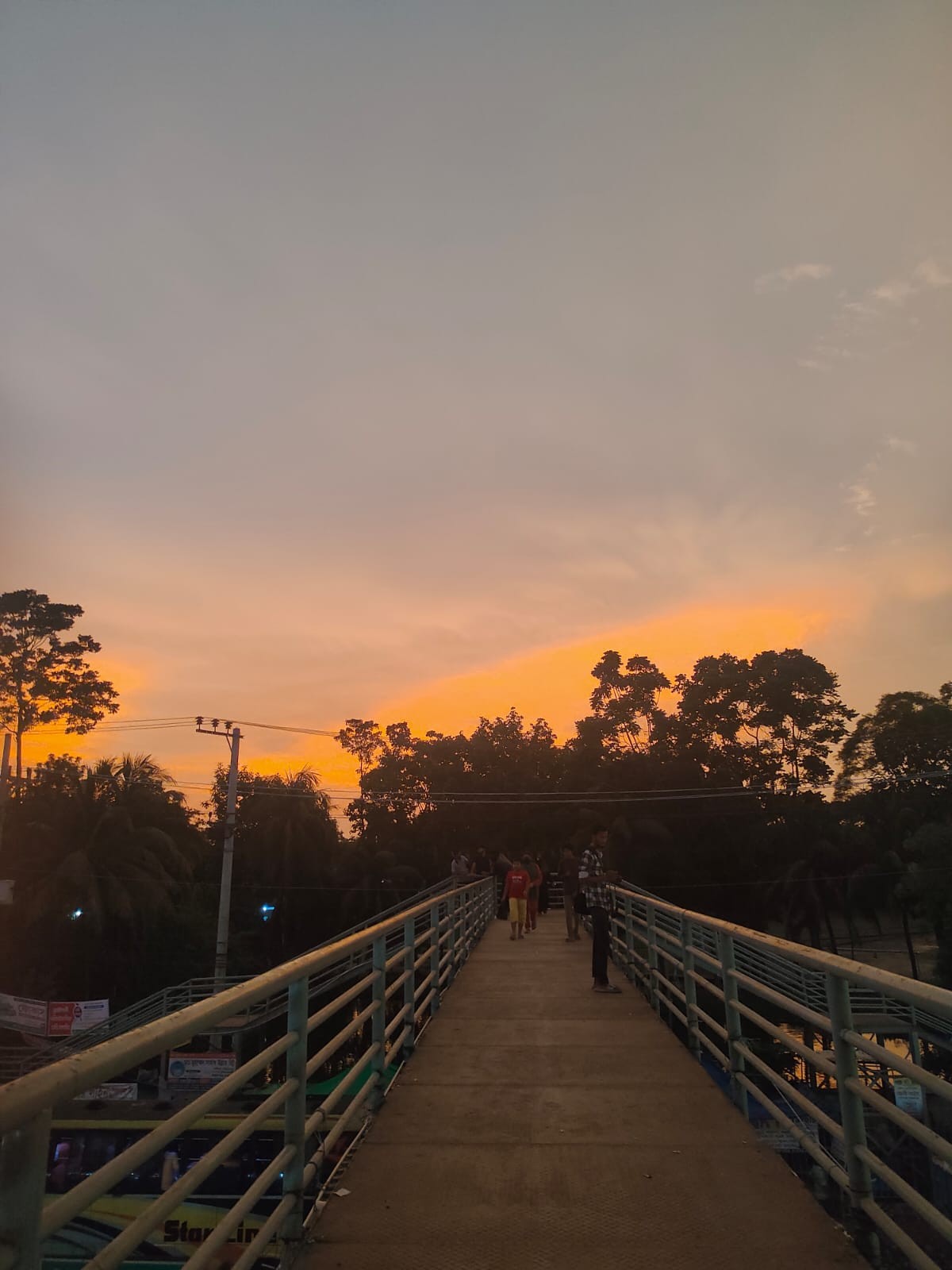
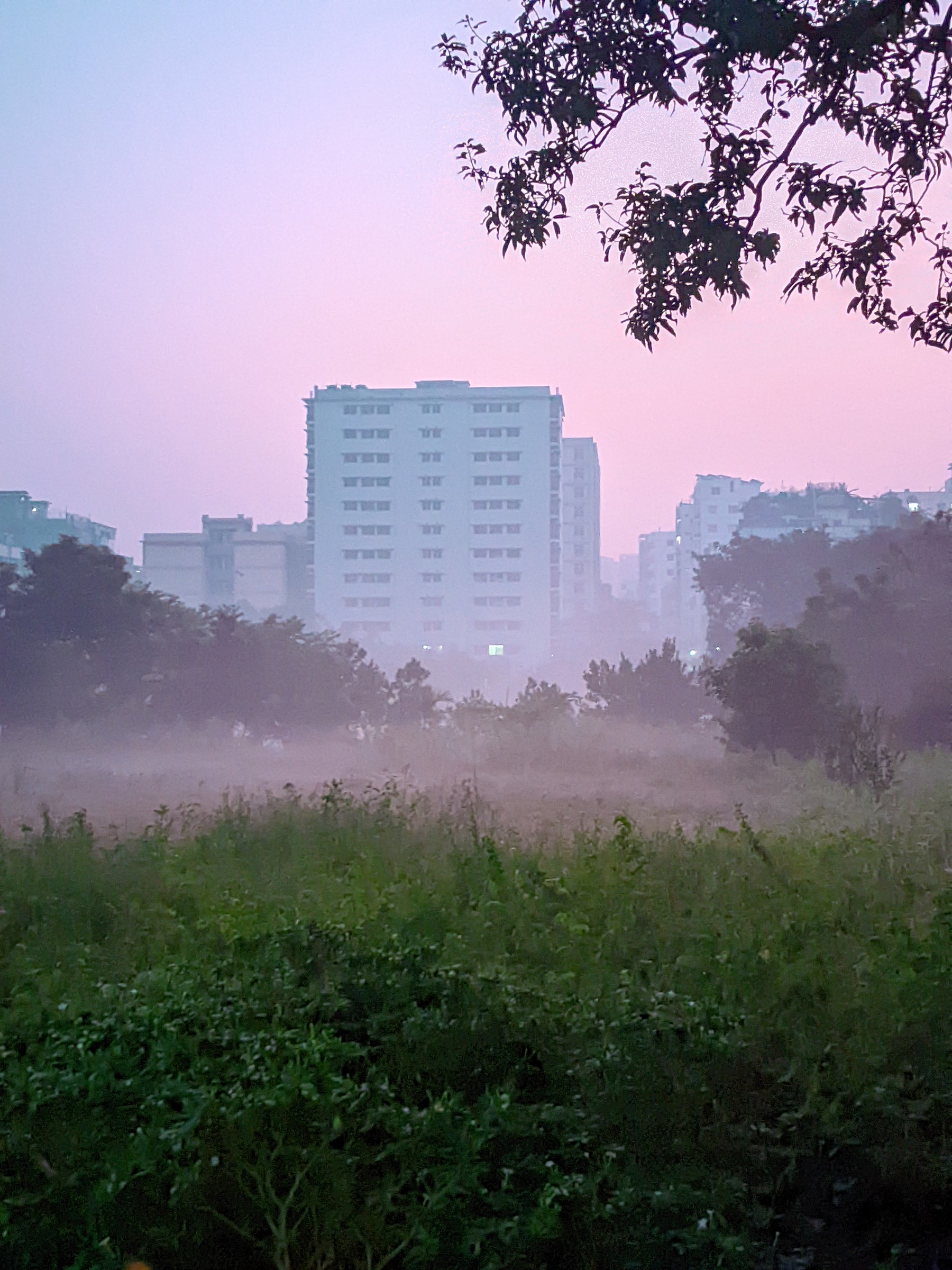
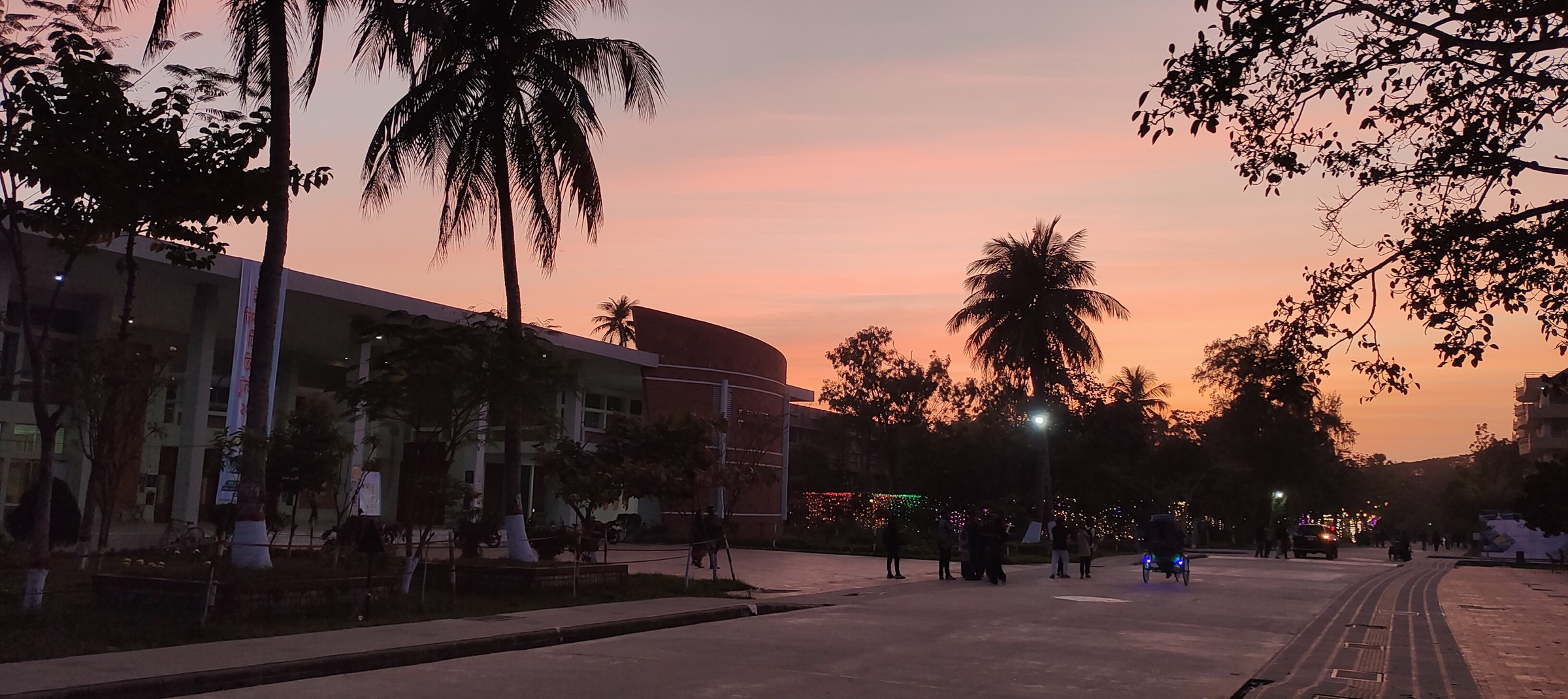
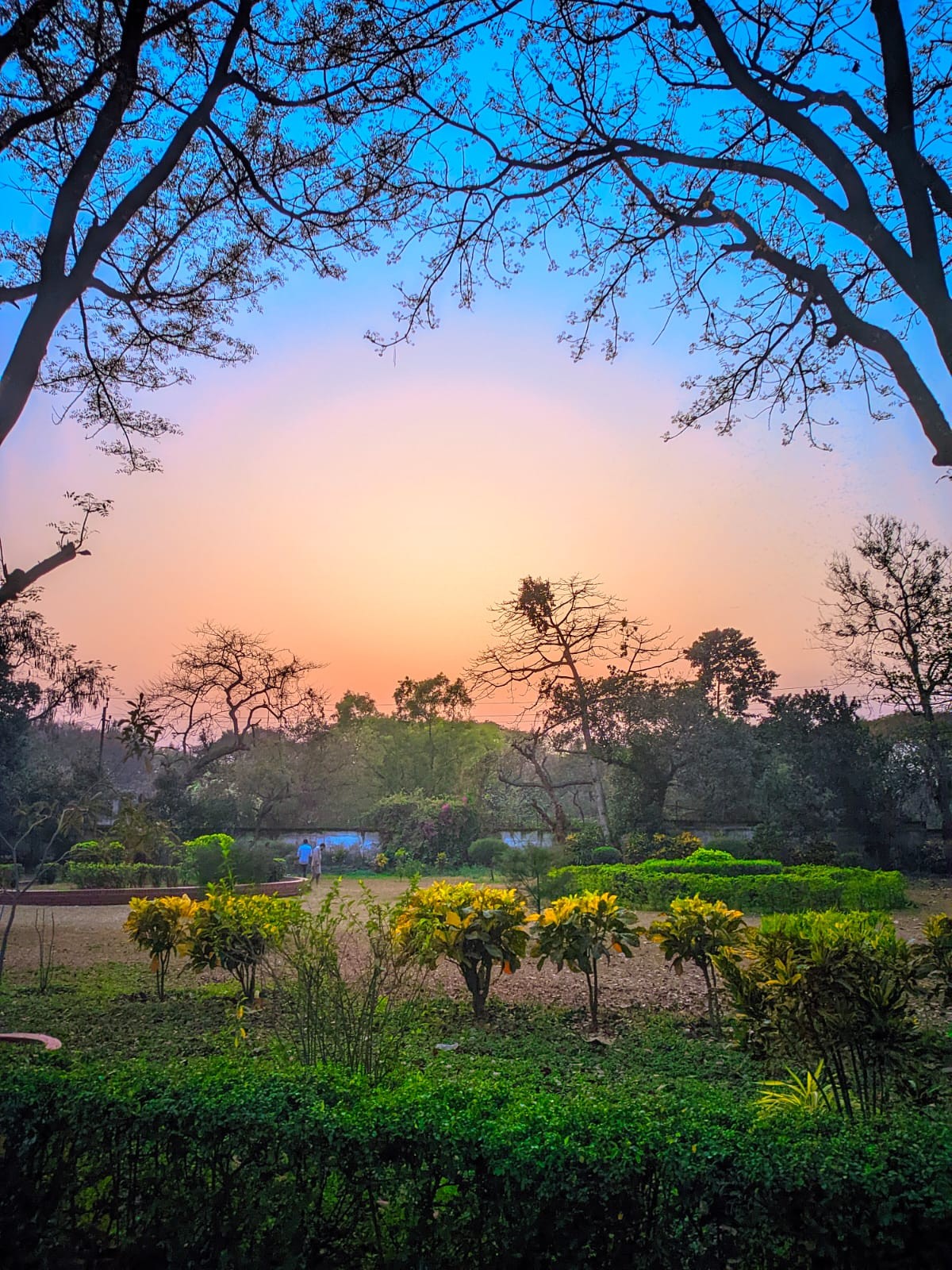
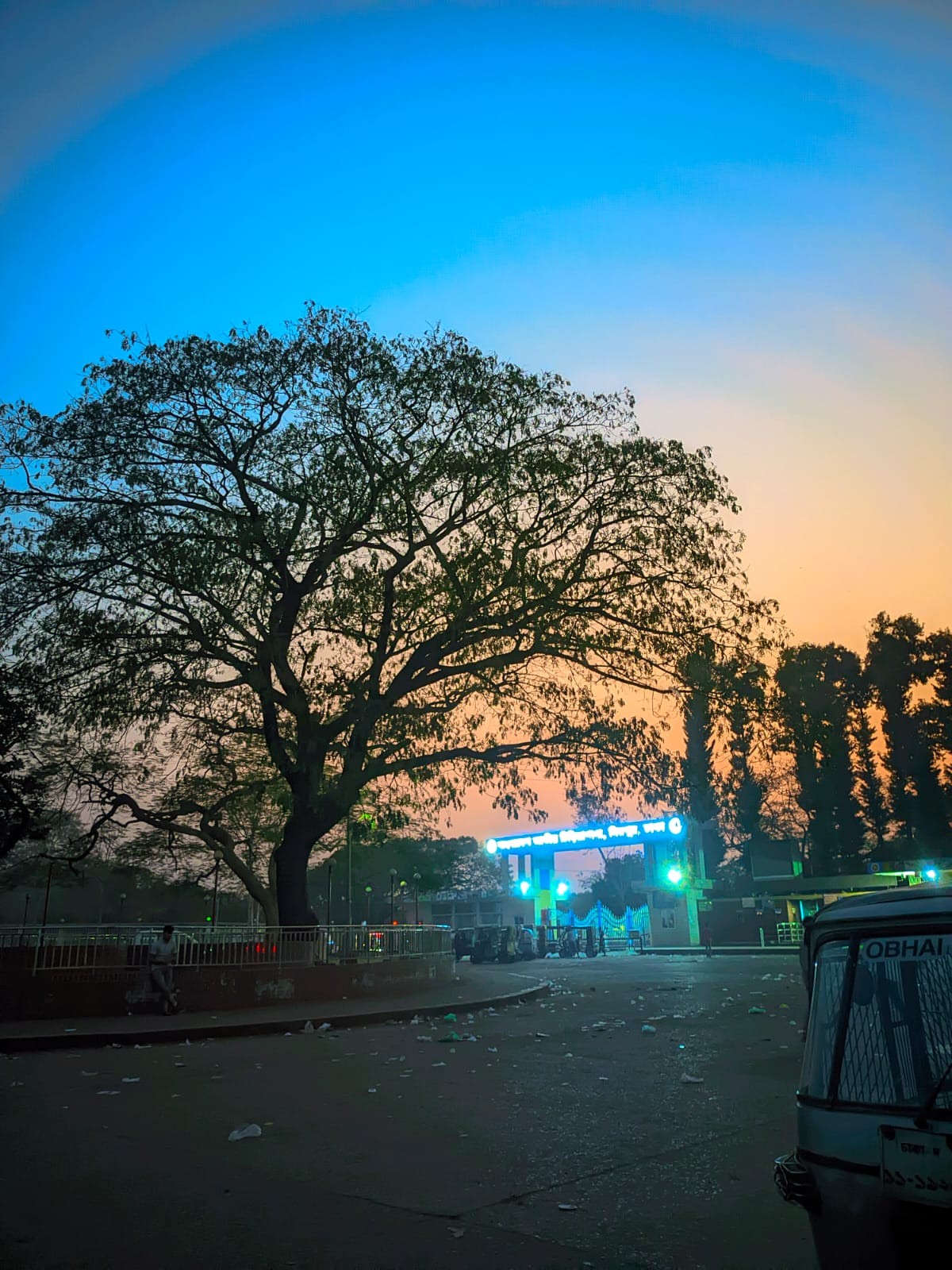
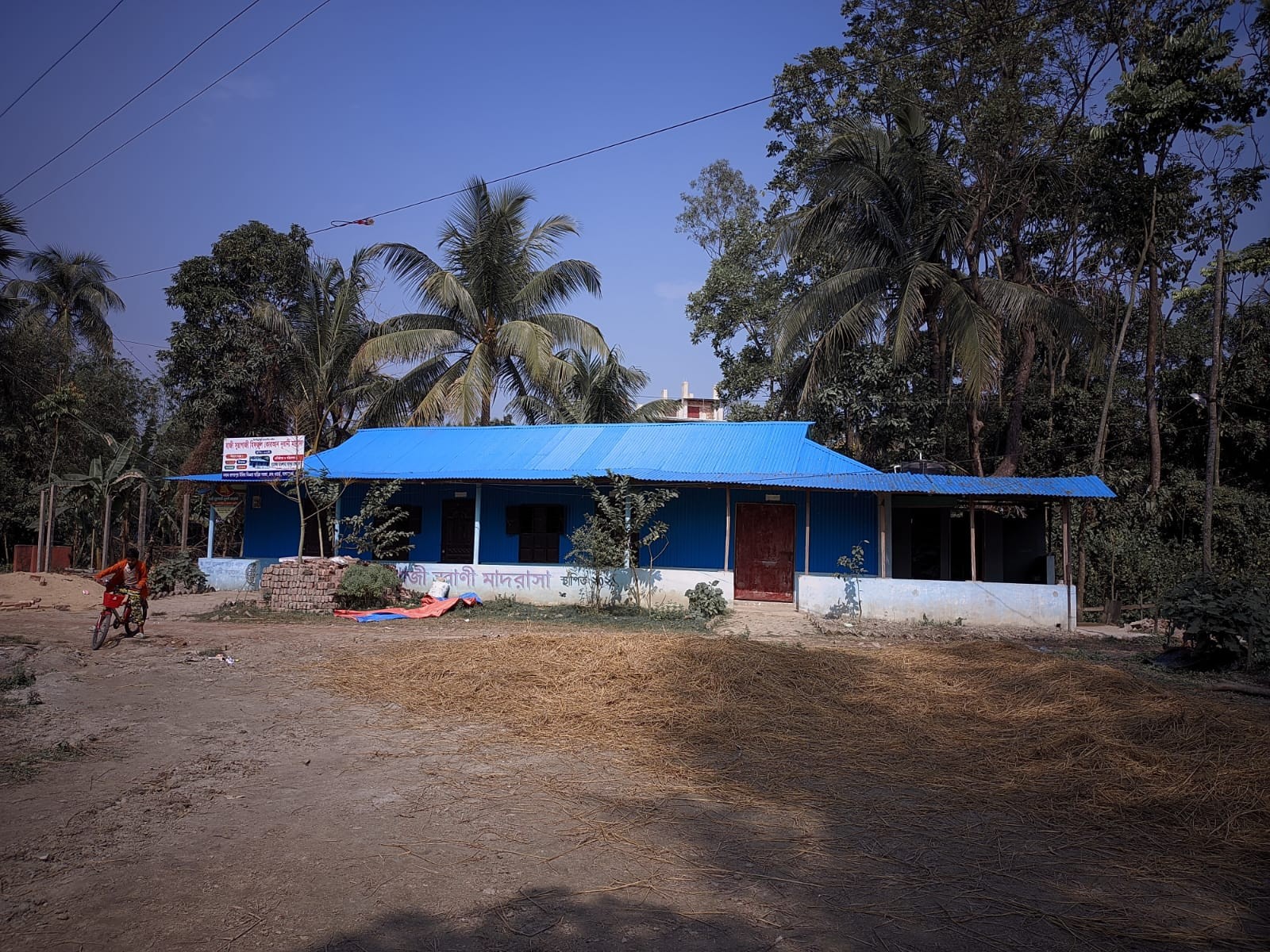
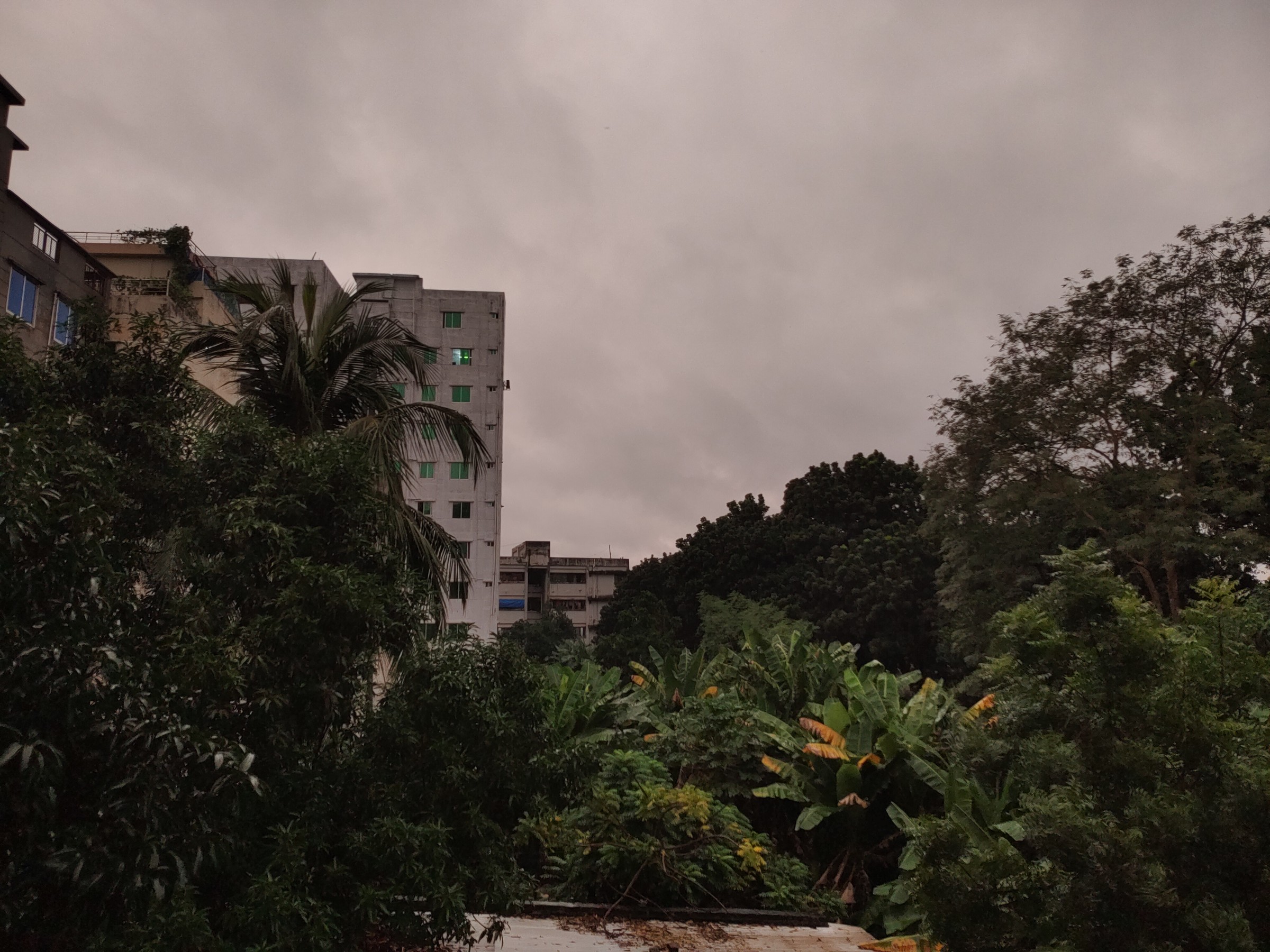
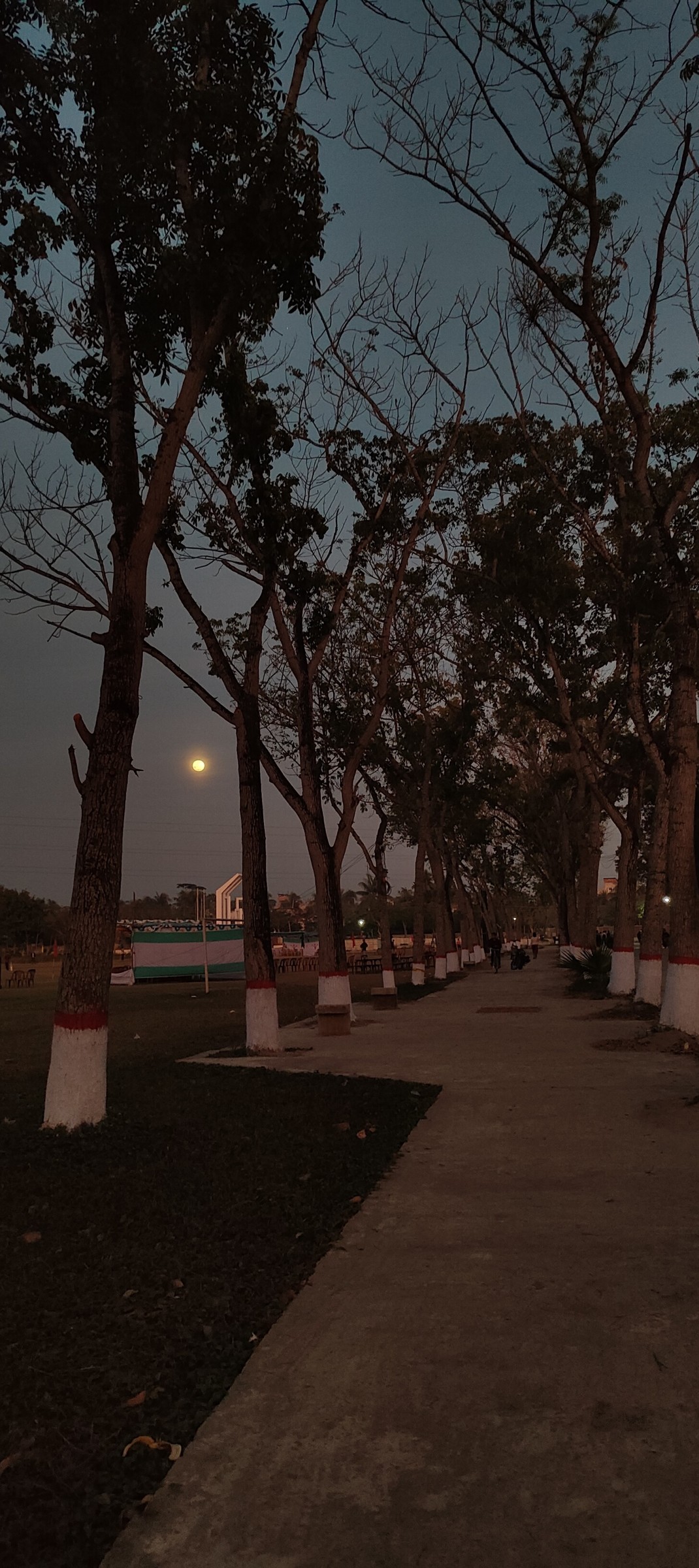
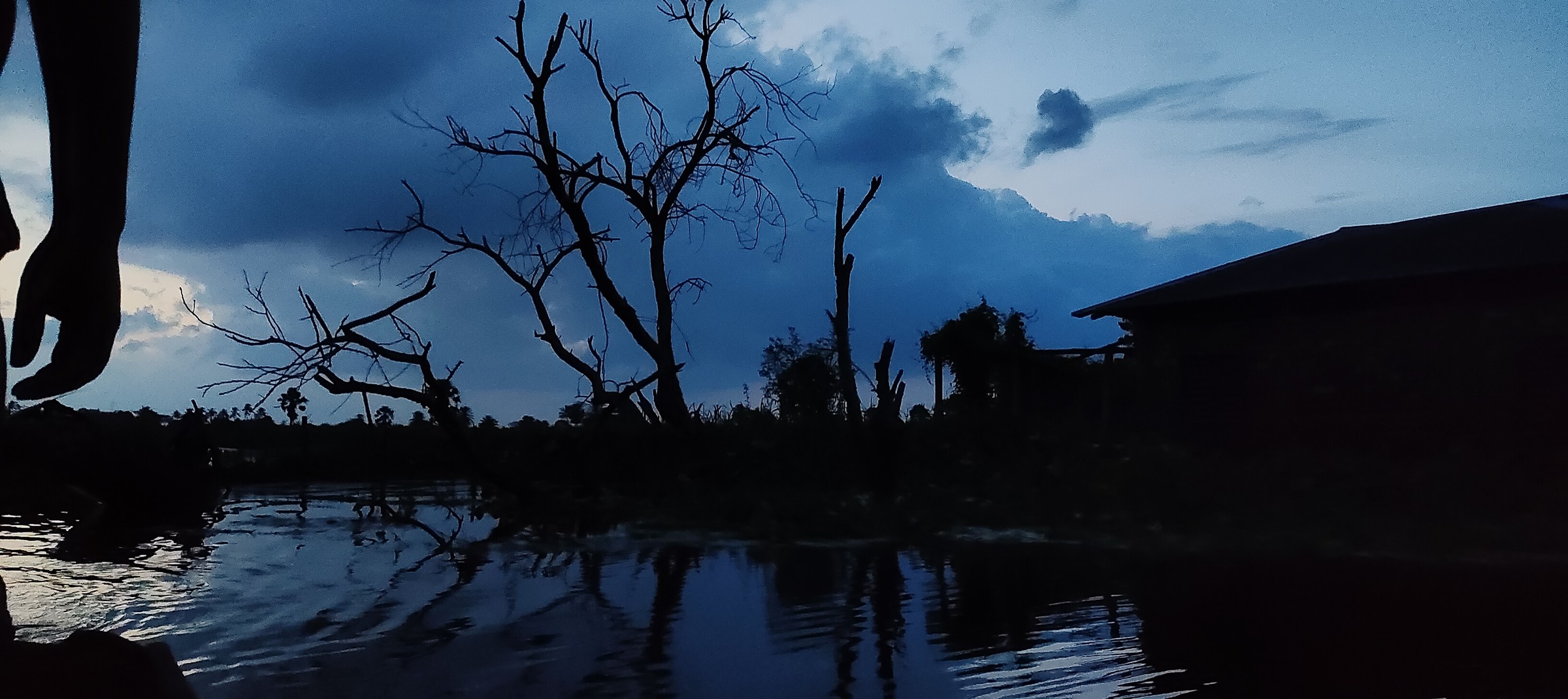
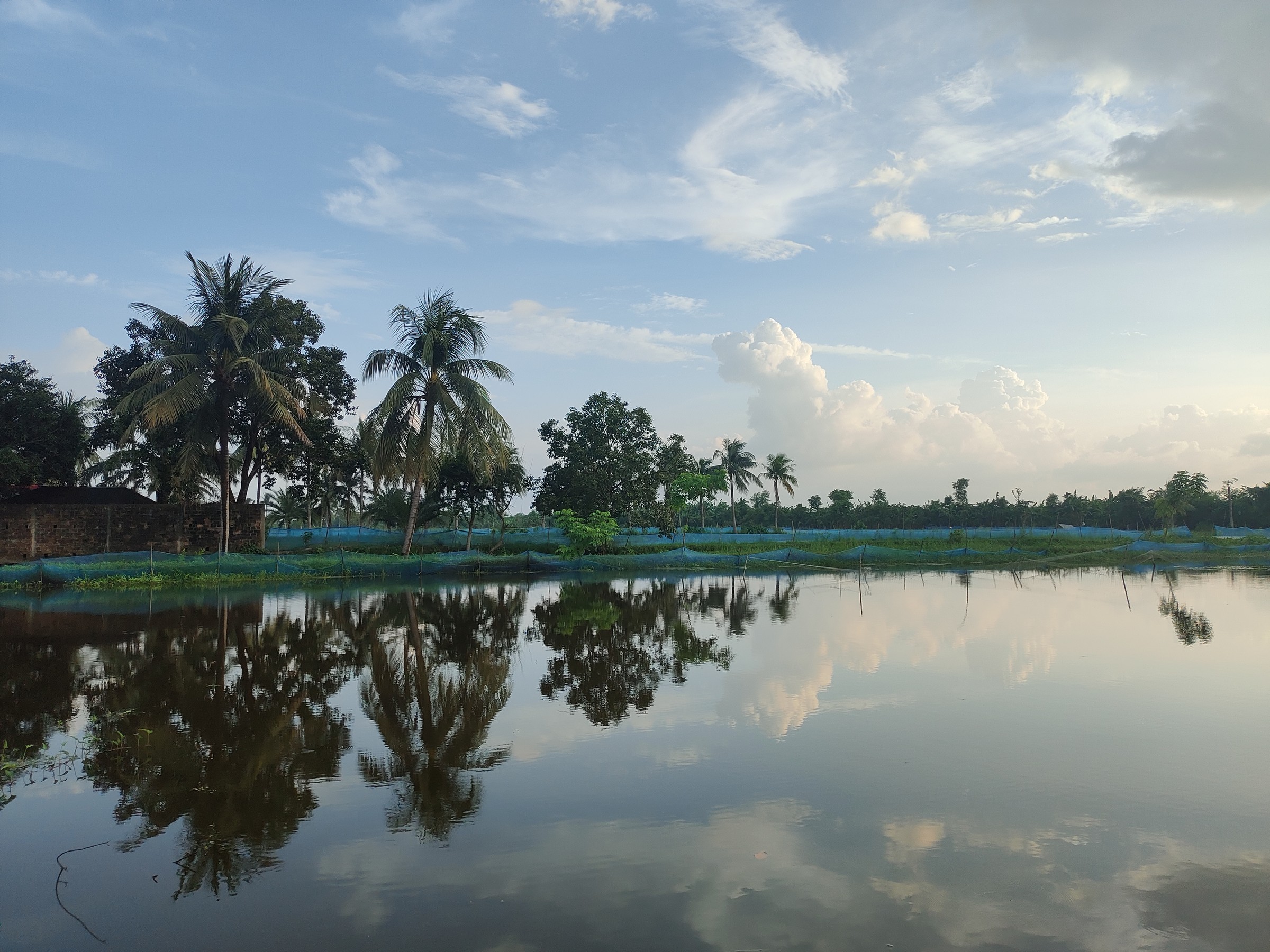
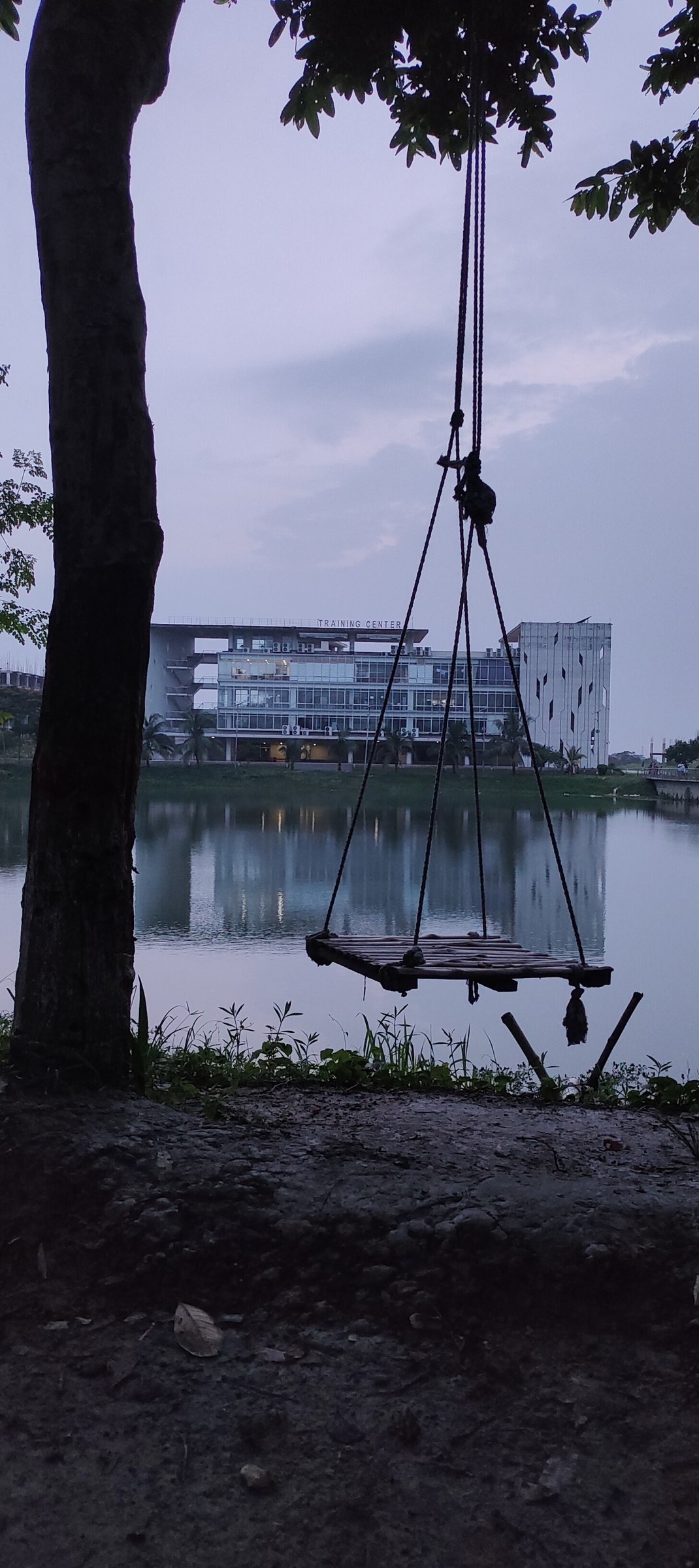
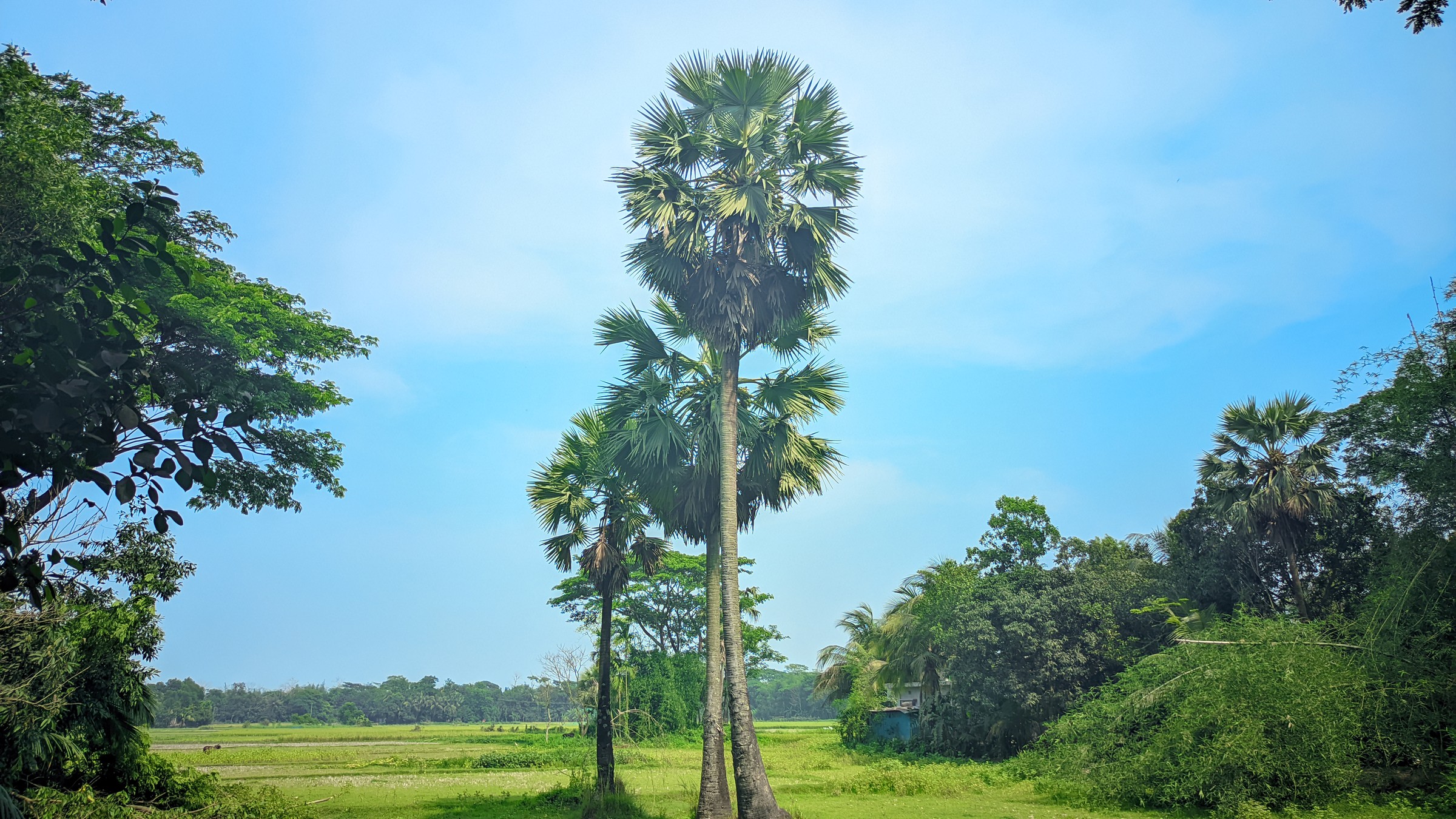
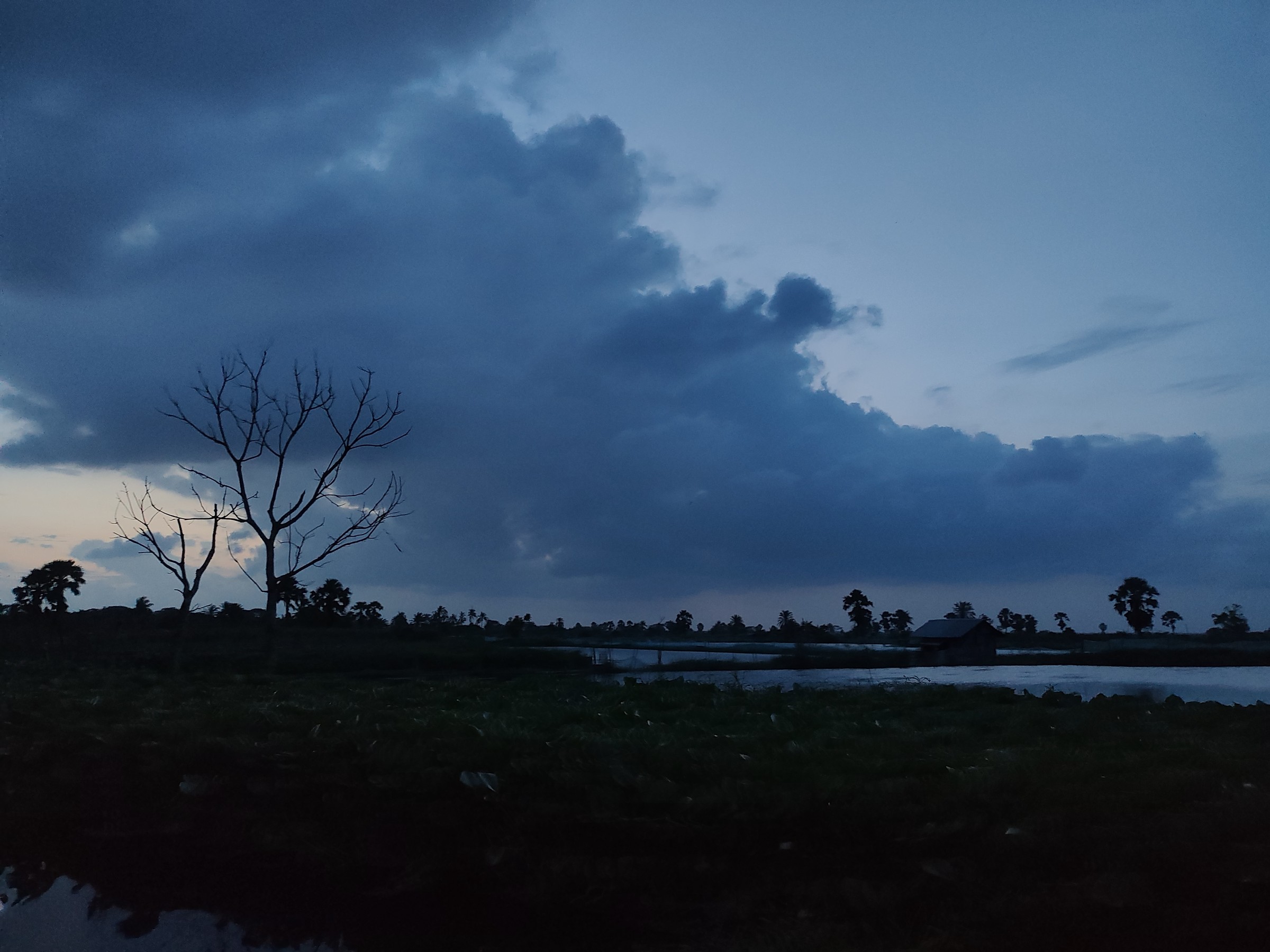
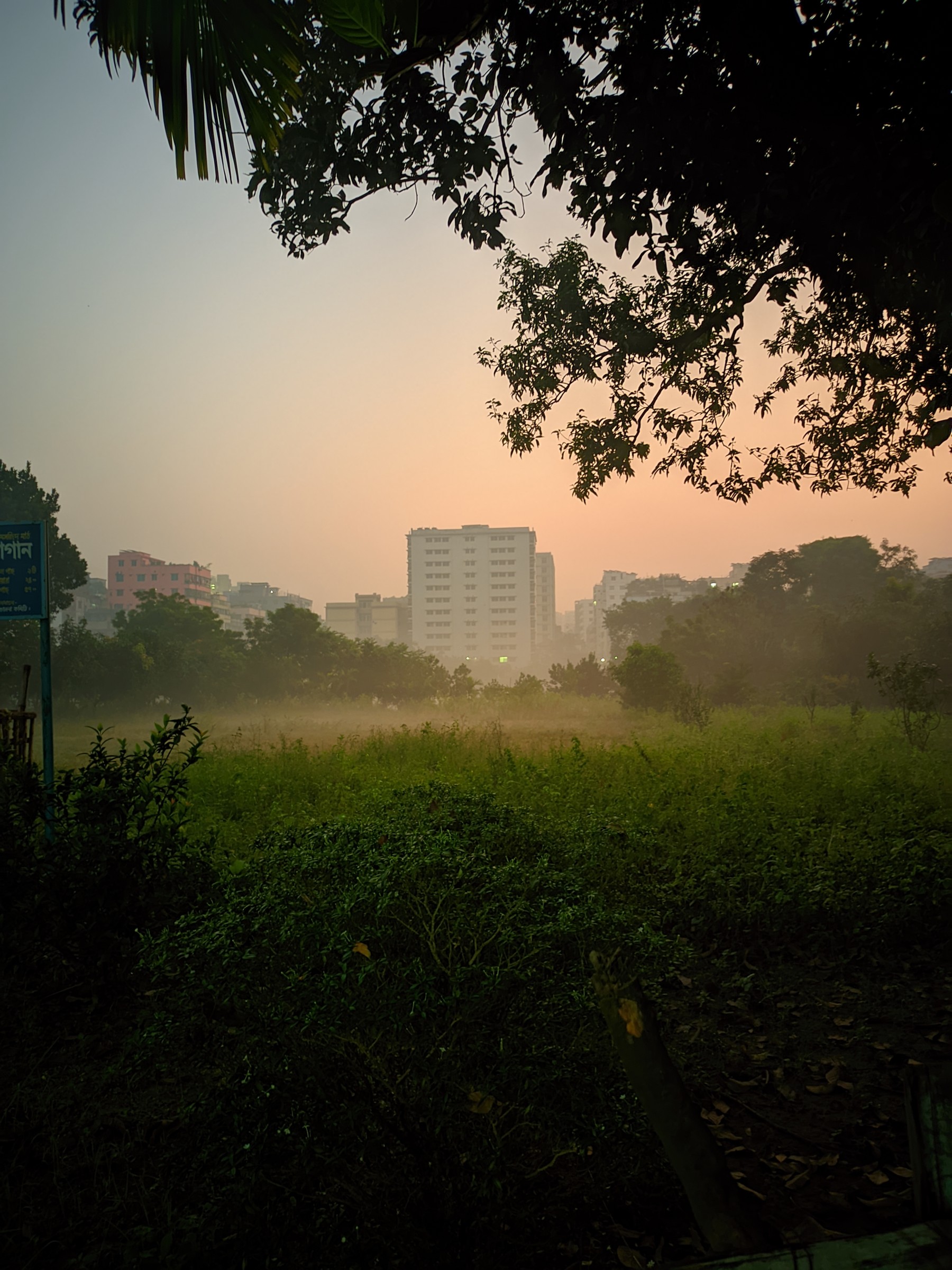
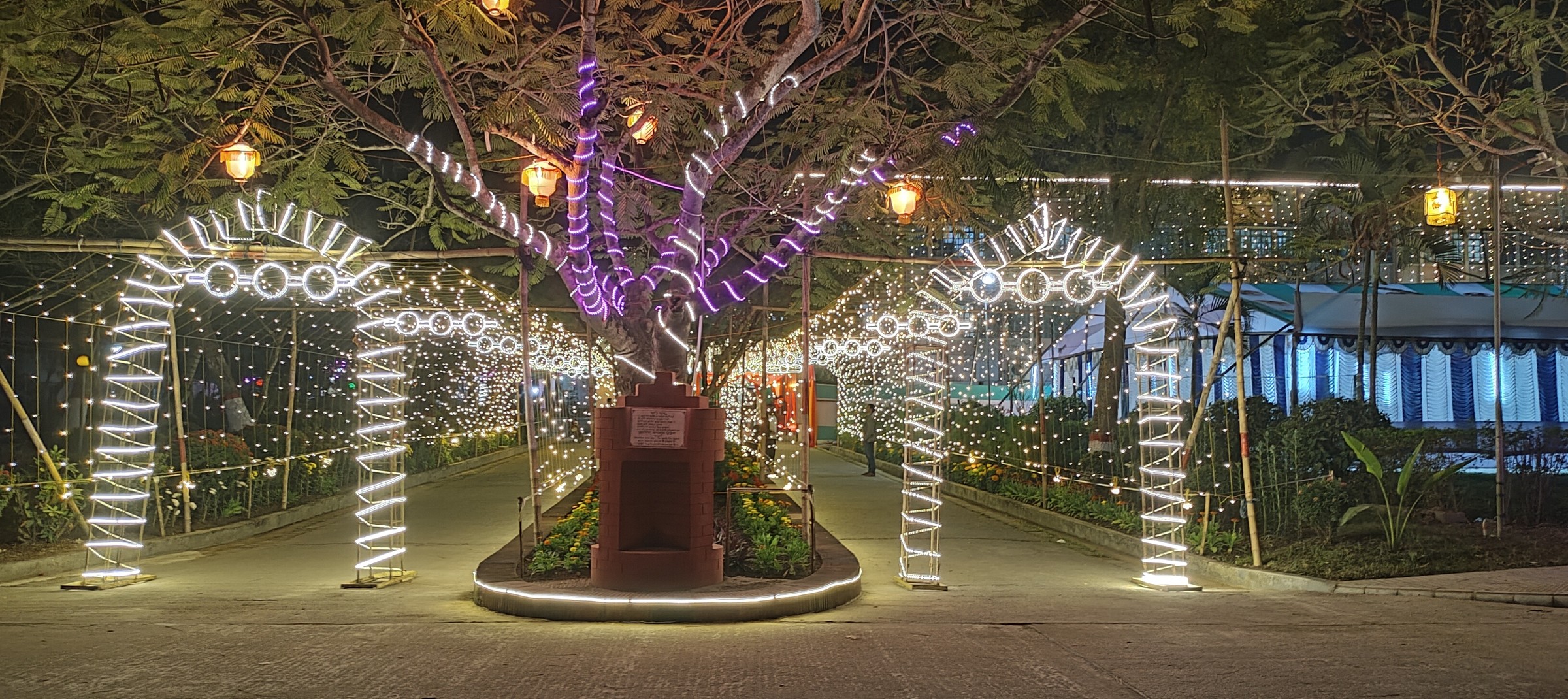
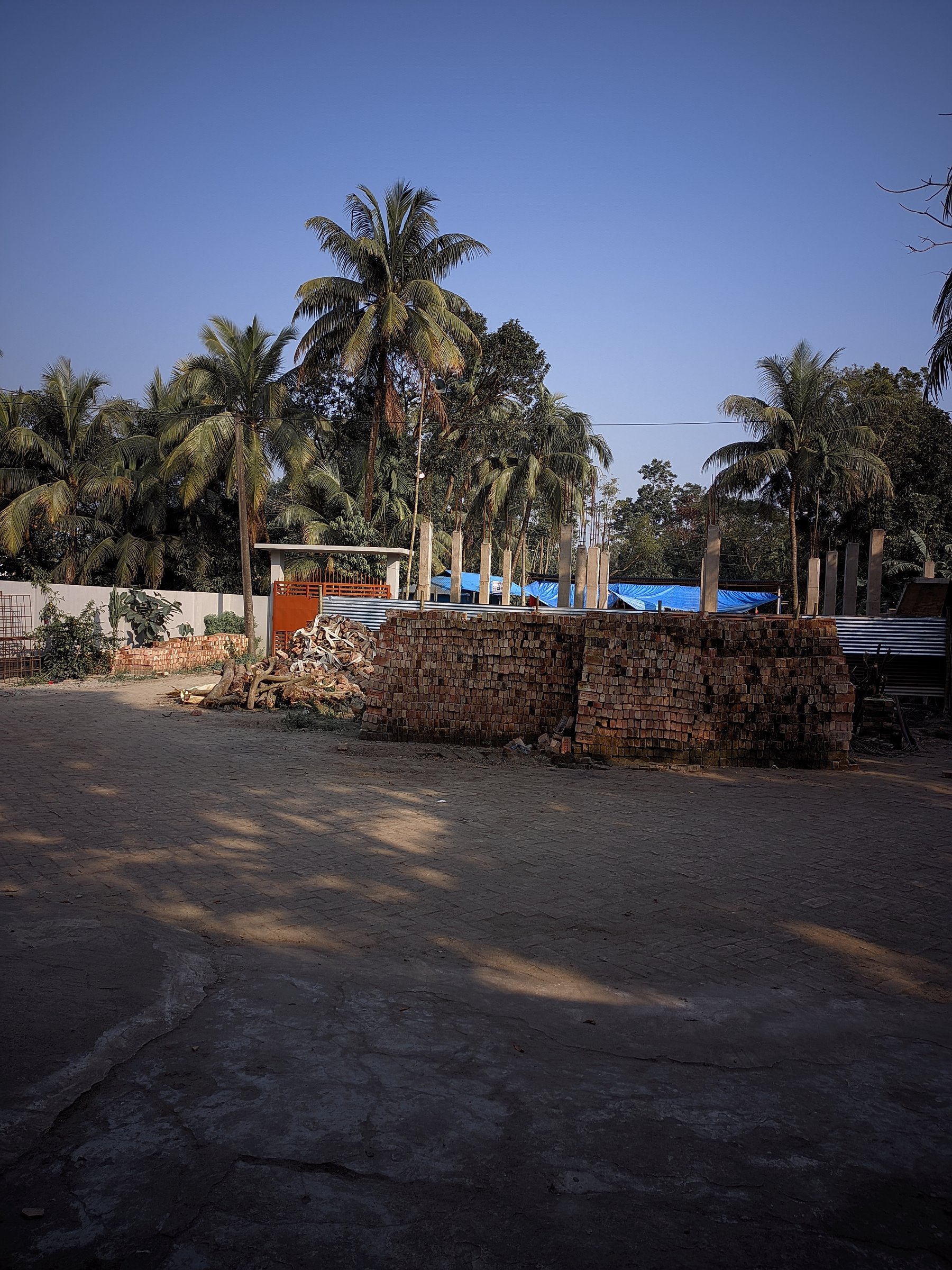
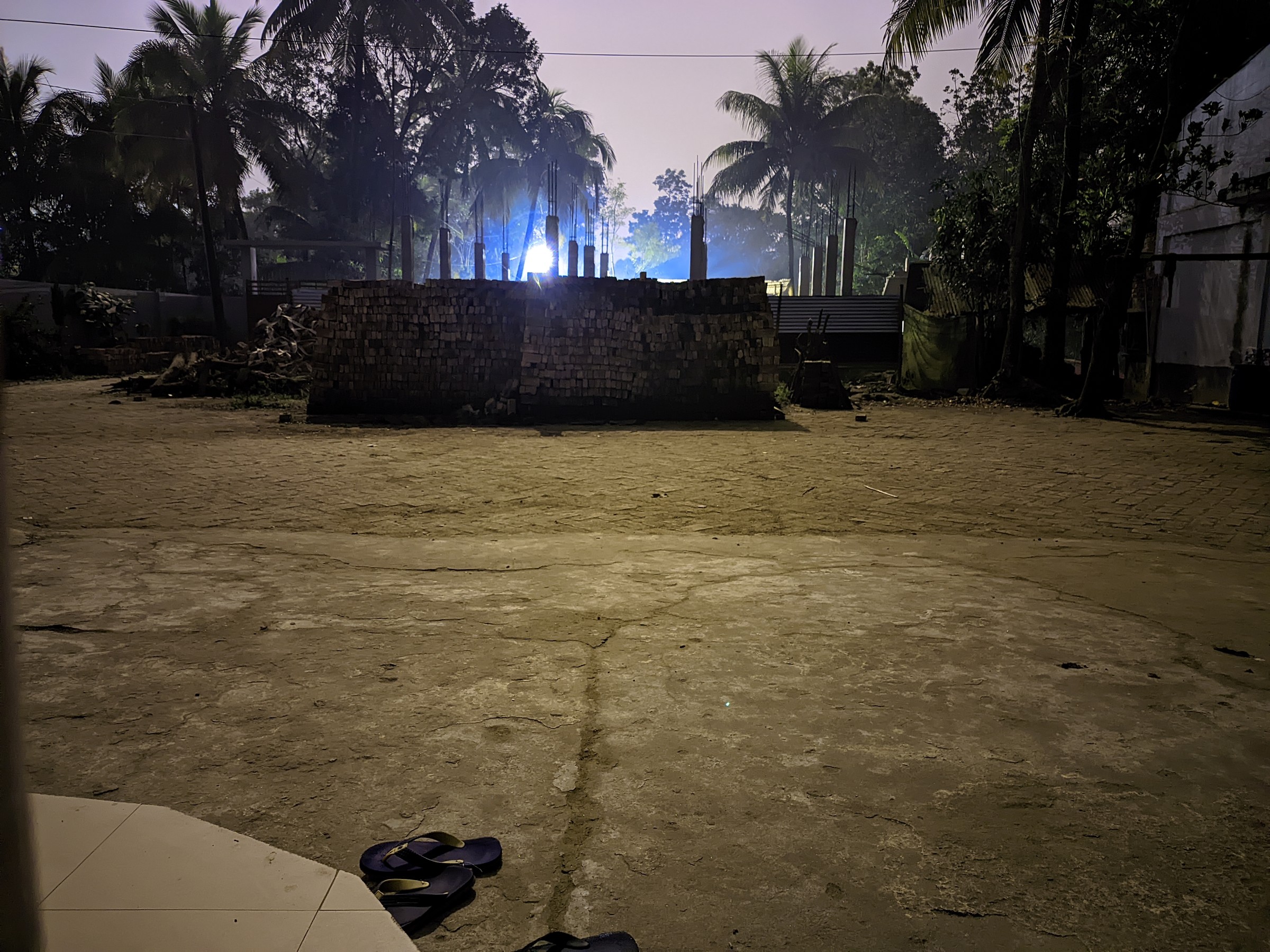
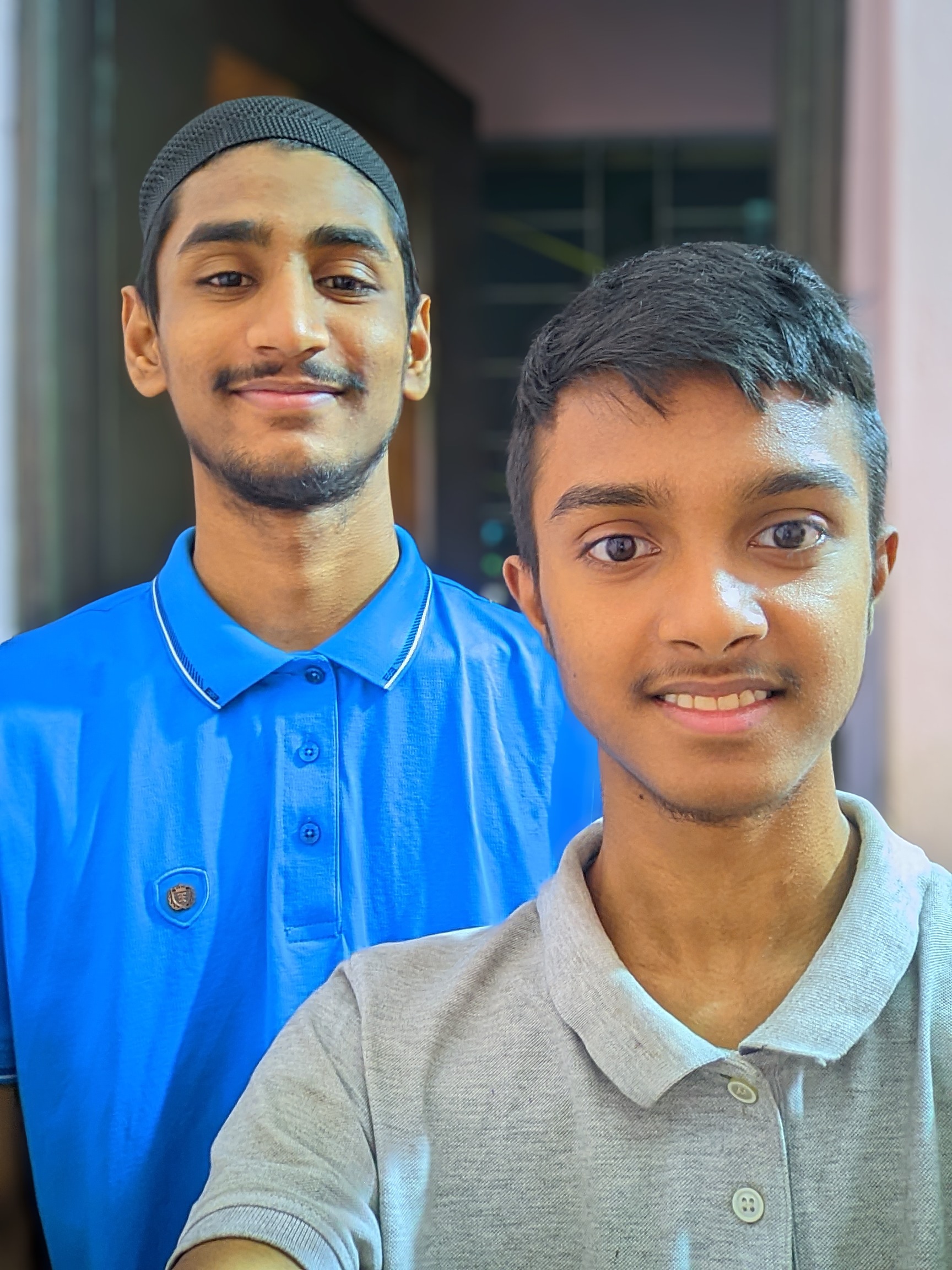
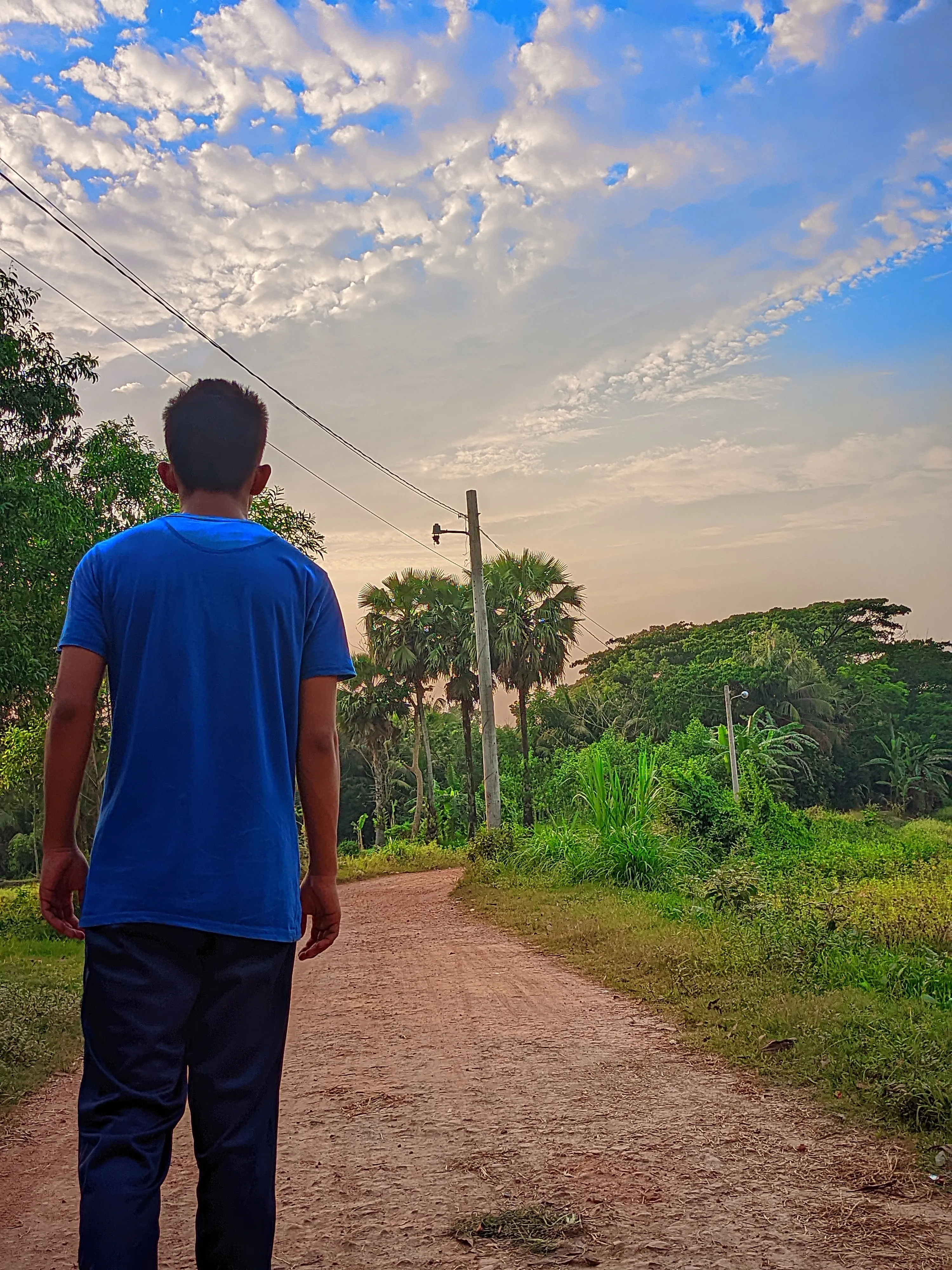
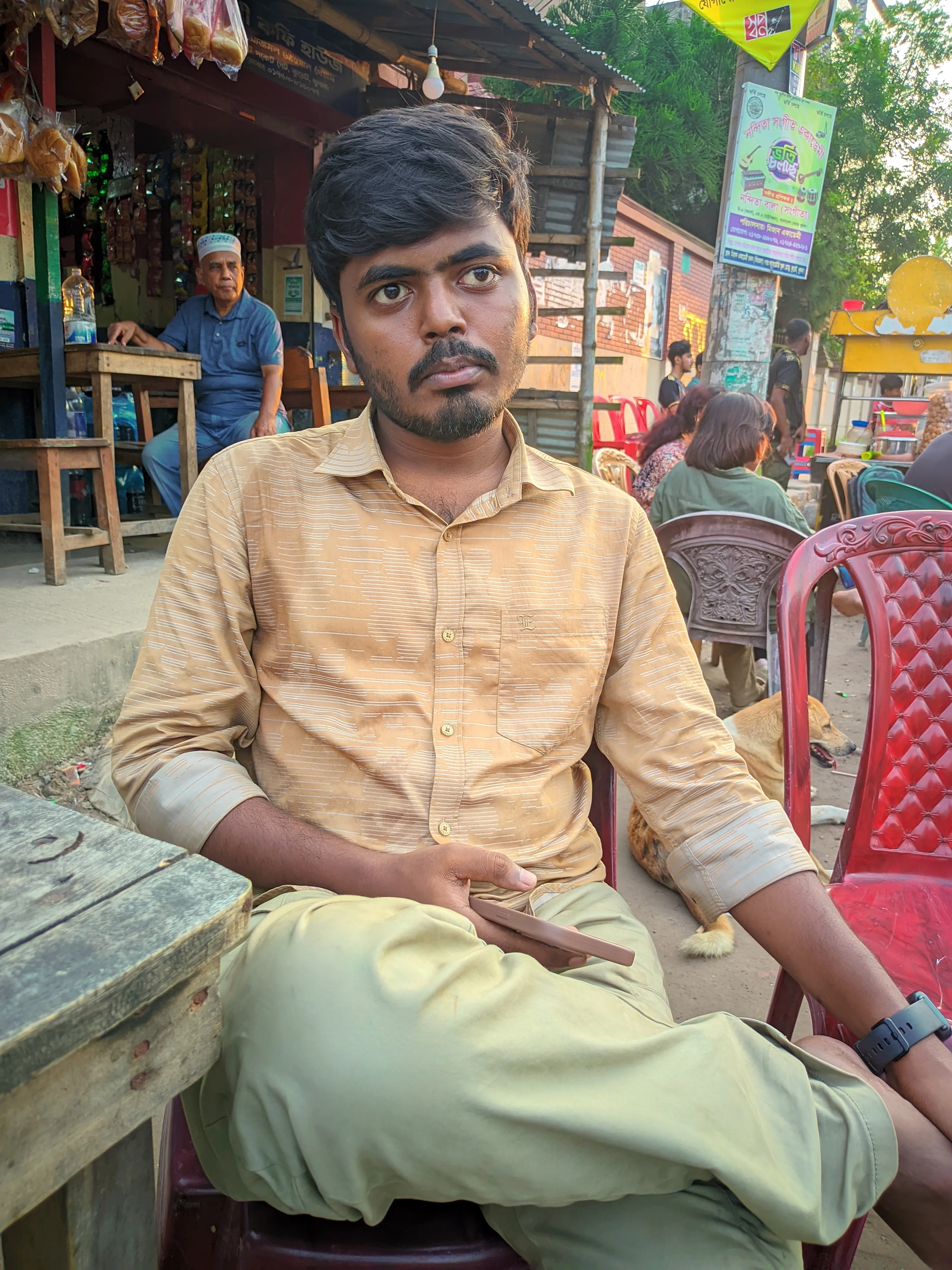
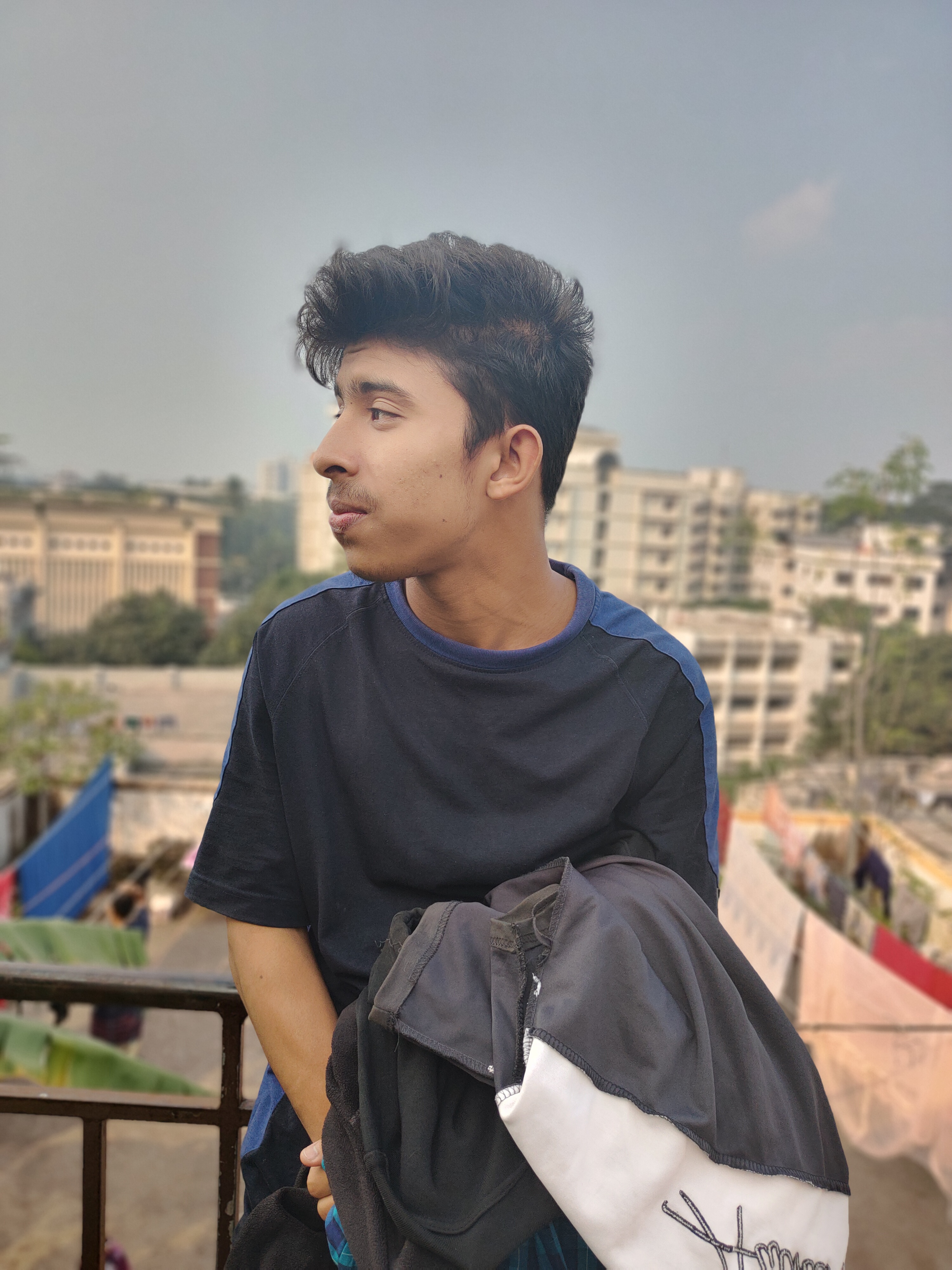
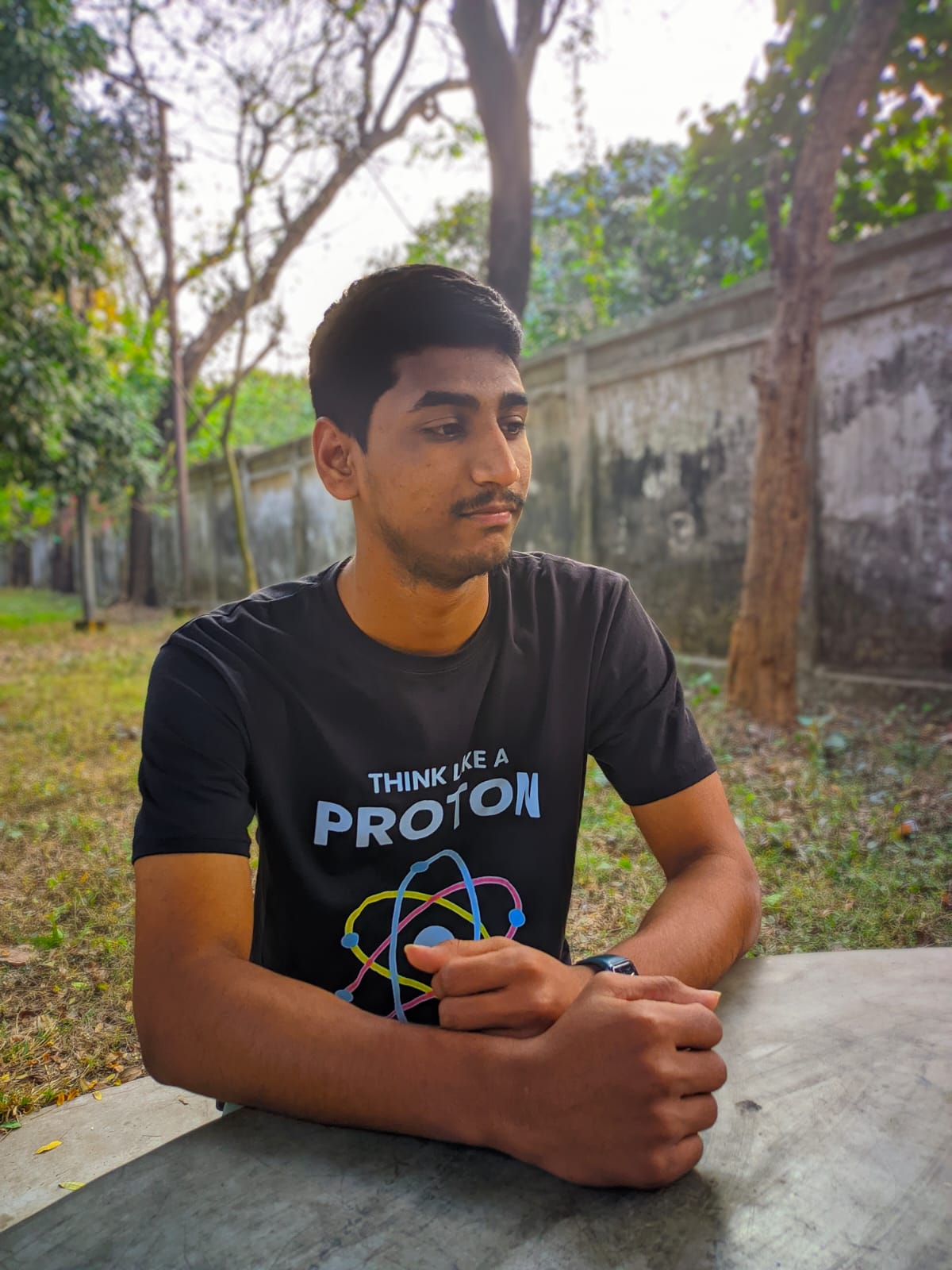
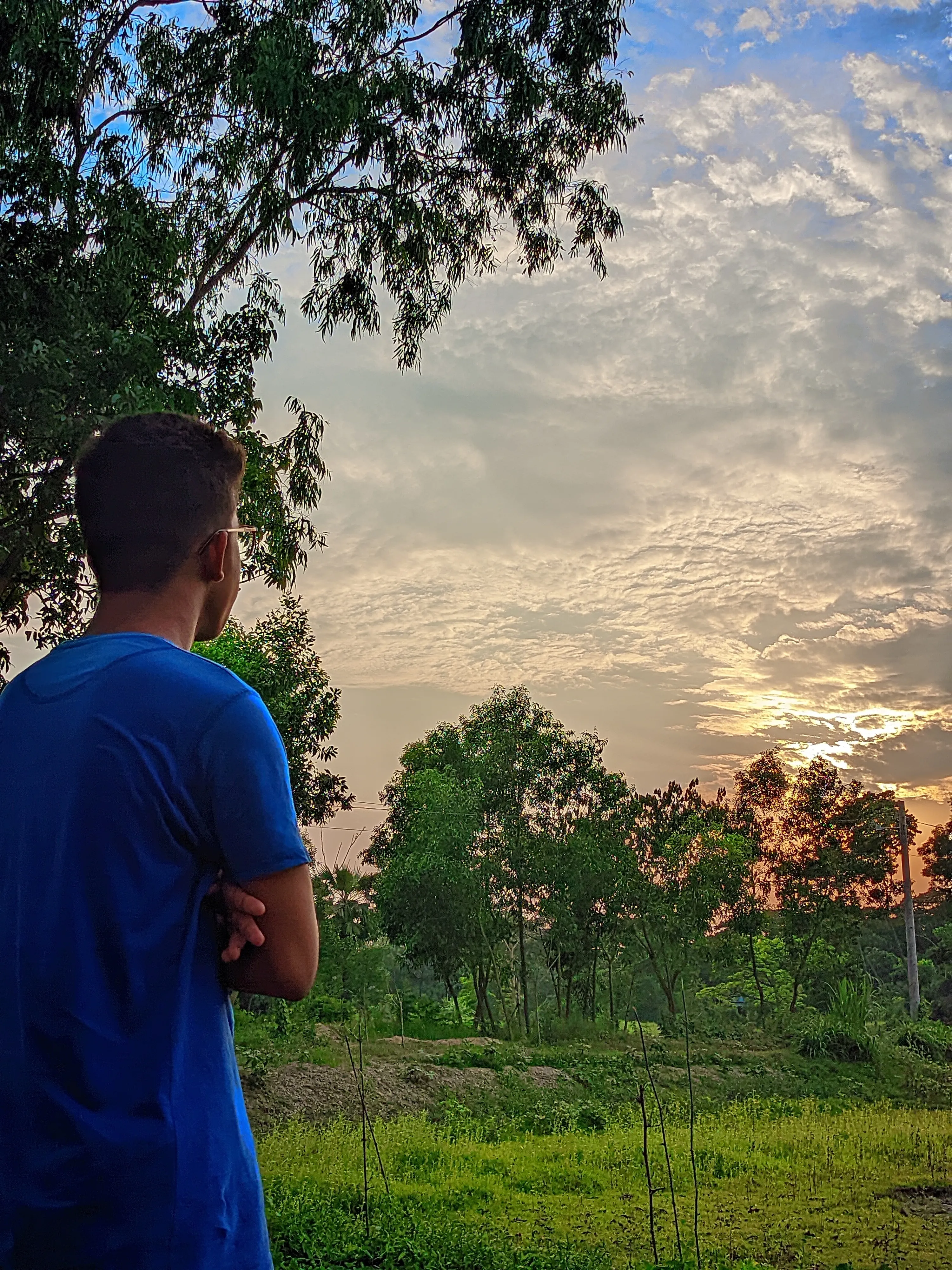
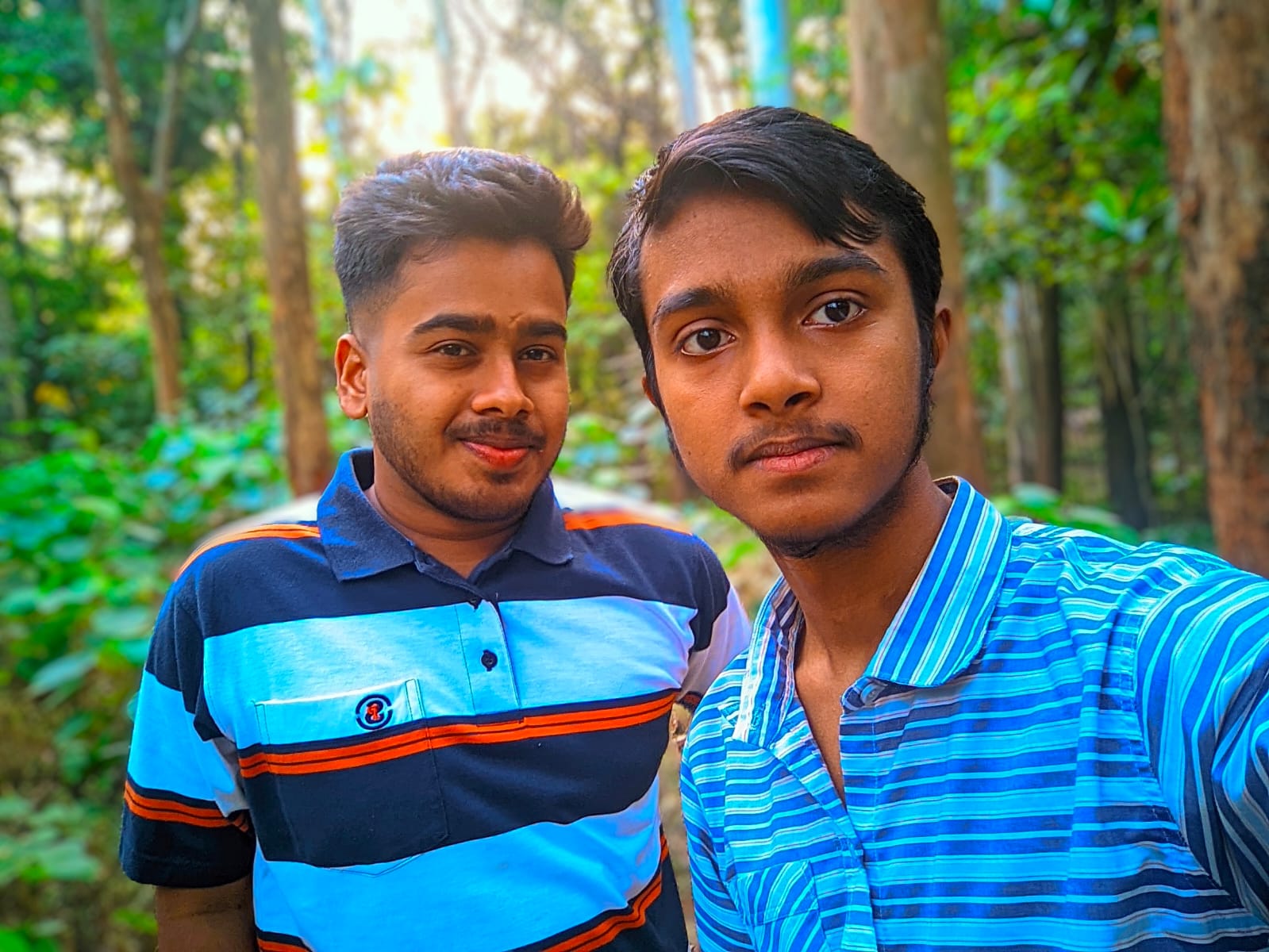
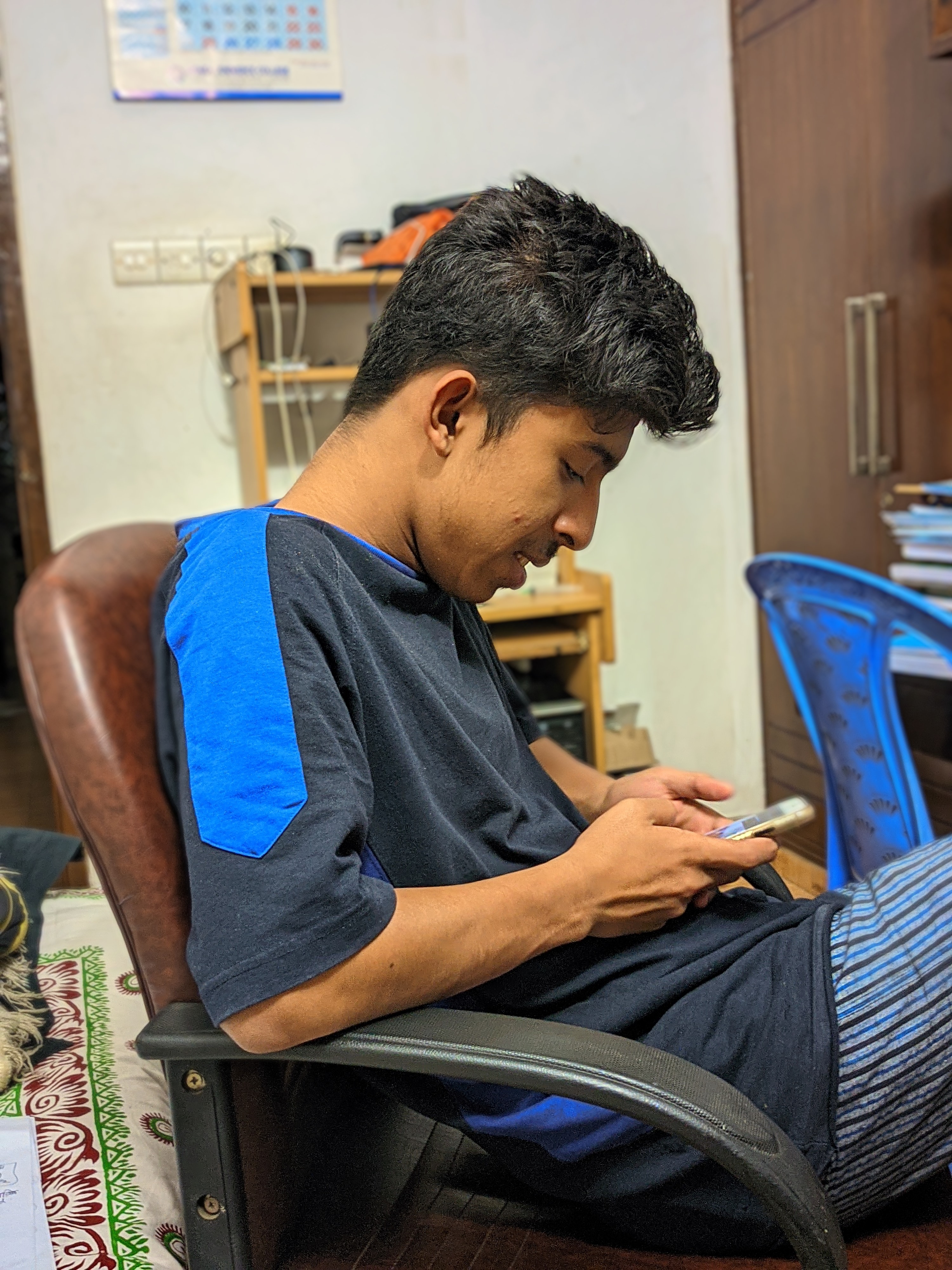
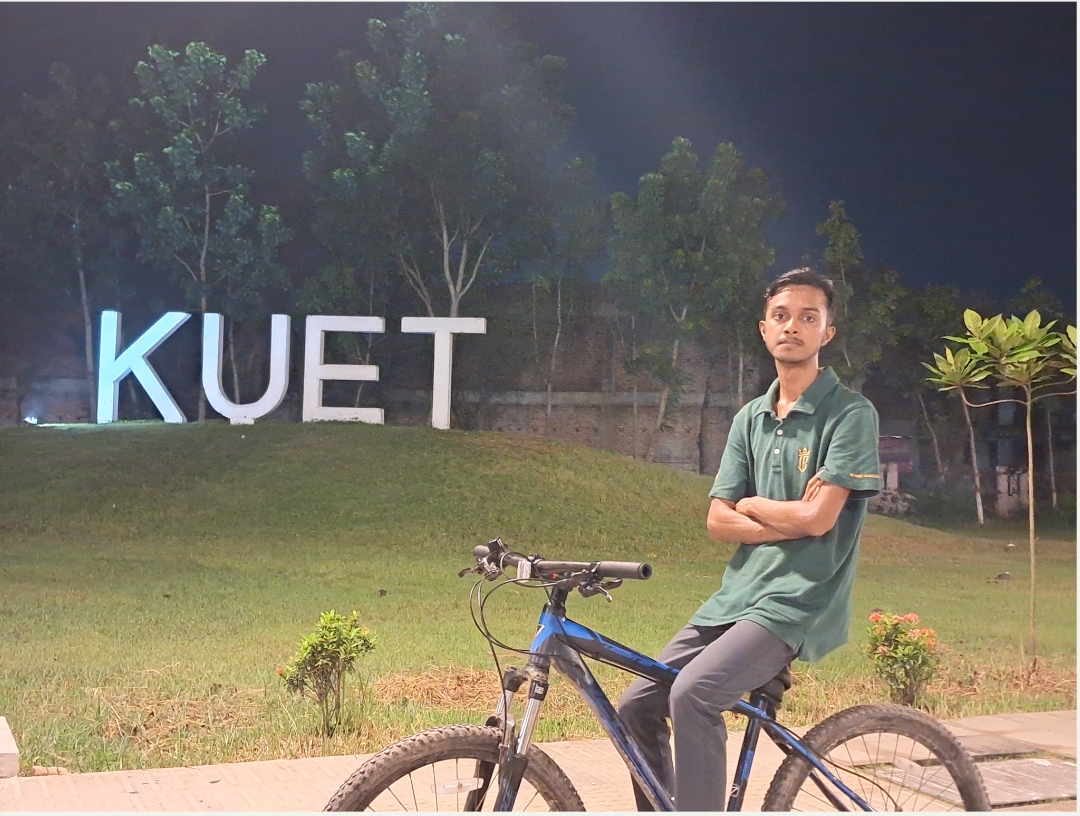
My smartphone hardware is objectively weak and far from photography-friendly. However, I consistently capture professional-grade shots without needing an expensive DSLR. Instead of relying on raw camera sensors, I bridge the performance gap by deeply engineering and tuning custom LMC (Google Camera port) configuration files. By manipulating shadow curves, color science, and noise reduction algorithms for exact lighting environments, I can turn a modest, low-budget device into a highly capable imaging tool.
Landscape & Environment
Human & Portrait
Execution & Resourcefulness
Achieving this level of quality usually requires expensive camera gear.

Hardware is only half the equation. My phone's physical sensor is actually quite weak. Instead of buying expensive gear, I rely on computational photography. I use the LMC camera port and apply specific XML configuration files. My method is simply bypassing hardware limits by knowing exactly which software profile to use.

If the software does the processing, the camera is basically doing all the work.

The software only processes what you feed it. The real skill is visual sense—framing the shot, reading the light, and knowing which specific configuration file will handle that exact environment. A night-mode config will ruin a bright daylight shot. My core job is observing the environment and making the perfect match.

With results like these, the post-editing process must take a lot of time.

Actually, almost all the processing happens the moment I take the picture. Because the chosen LMC config handles the shadows, colors, and noise reduction instantly, the photo comes out ready to use. There is no huge backlog of photos waiting to be edited for days before an organization can publish them.

This kind of photography depends entirely on your personal intuition, which cannot be shared.

The visual framing relies on my sense, but the technical quality is completely documented. I use a fixed set of config files mapped to specific situations (like "indoor warm light" or "cloudy day"). Because the technical part is file-based, the process of getting clear, professional shots is repeatable, not just a one-time lucky shot.

SHOWCASE06.Basic Photo Editing & Color Restoration

Even the best raw shots require refinement to reach their full potential. I use Snapseed and Lightroom to recover lost details, fix harsh contrast, remove digital noise, and restore authentic, natural colors. While I meticulously edit individual standout photos, I also build automated batch-processing workflows. This allows me to color-correct and clean up hundreds of similar event photos simultaneously, ensuring a consistent visual style while saving hours of manual work.
Status: Active Skill
Tools: Lightroom · Snapseed
Scope: Retouching & Batch Automation
Before & After Comparison

[ Drag the slider left and right to compare ]
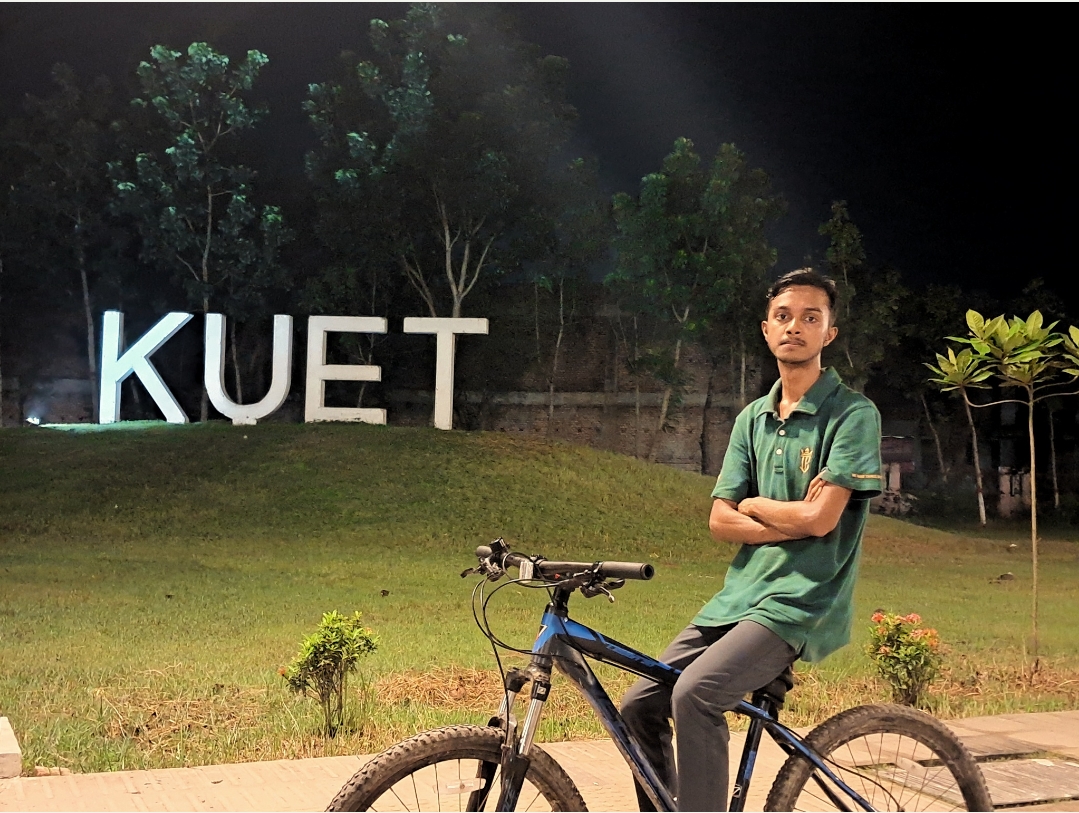
Before
After
After Editing Before Editing
⟨ ⟩
Workflow & Scalability
Editing hundreds of event photos usually takes days and delays media teams.

That happens when editors process every single photo manually. I solve this by using automated batch-processing workflows. Once I perfectly color-correct one anchor photo for a specific room or lighting setup, I sync that exact adjustment across hundreds of similar images instantly. This turns a multi-day editing backlog into a task that takes just a few hours.

Applying automated edits to an entire batch makes photos look generic.

Automation does not mean slapping a cheap filter on everything. It is about doing the heavy lifting fast. The system automatically fixes the base exposure, removes digital noise, and balances colors for the whole batch based on my manual settings. This gets the photos 90% ready instantly, leaving me with plenty of time to carefully hand-retouch only the few standout shots.

WORK PROJECT07. July 2026 - Flood Assessment
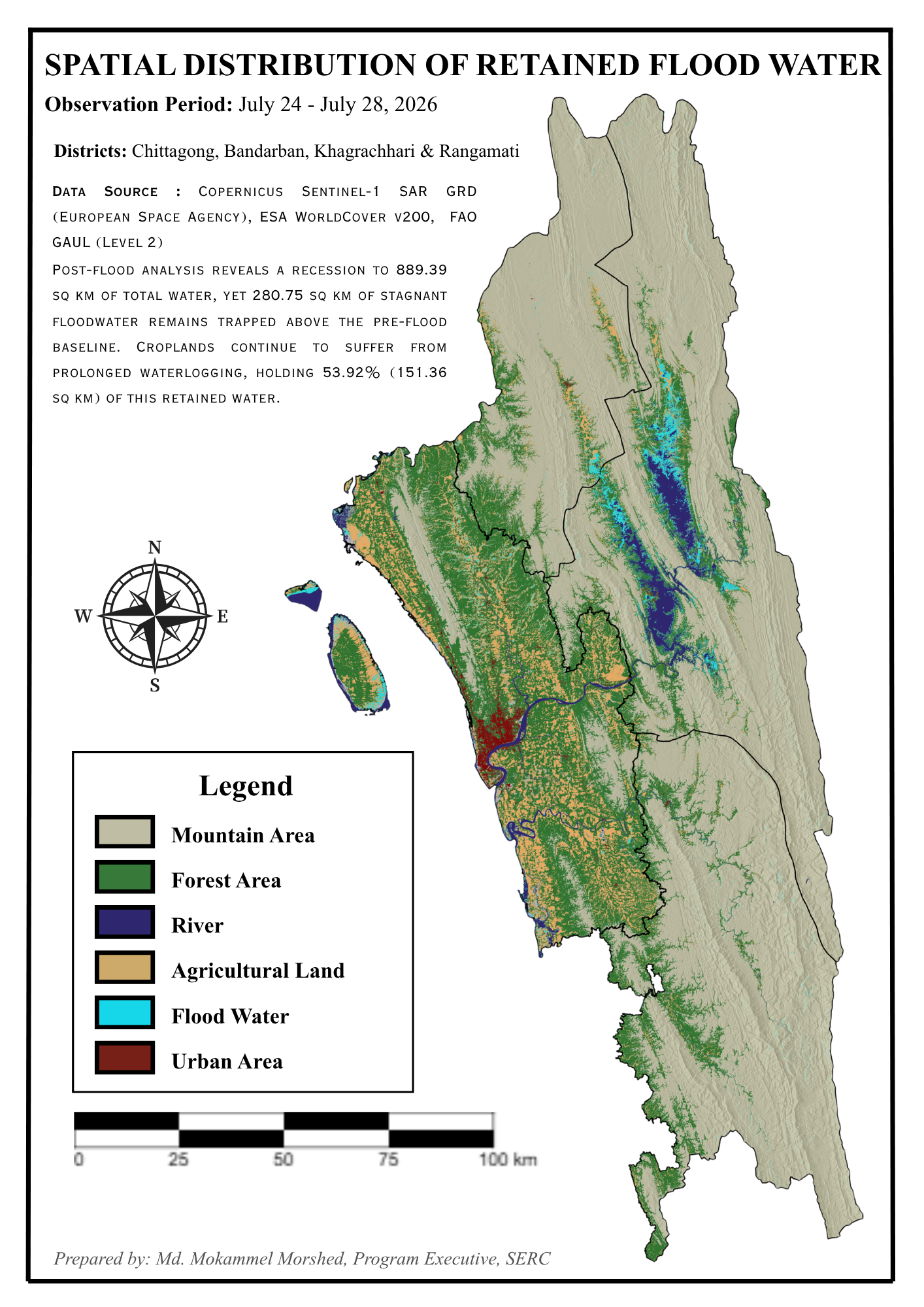
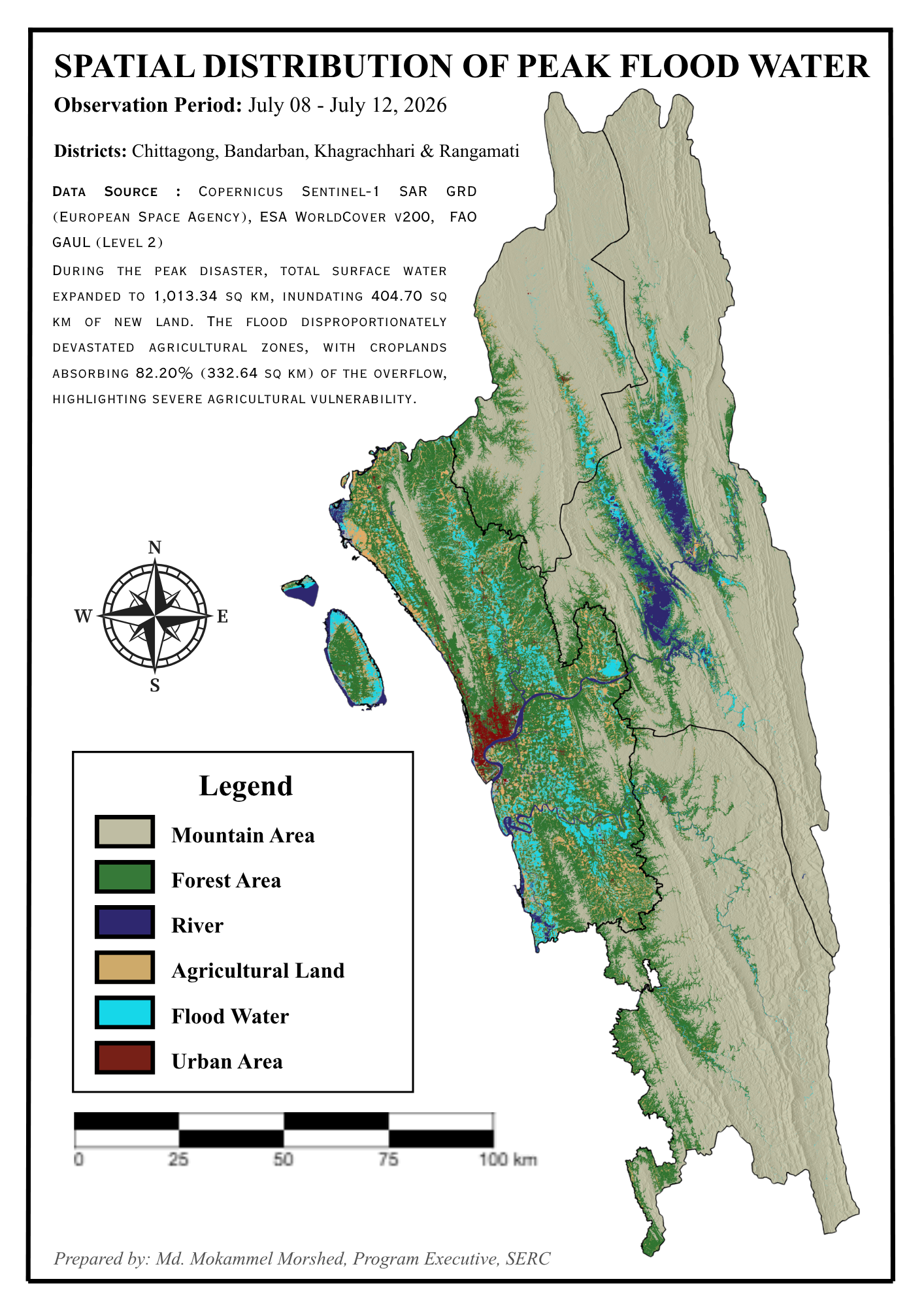
Raw data is useless if you cannot see the pattern. As a Geospatial Data Analyst, I specialize in converting complex geographic and satellite data into clear, actionable maps. For the SERC July 2026 Chattogram flood assessment, I analyzed Sentinel-1 SAR imagery to pinpoint exact disaster zones. My core strength lies in spatial logic—knowing exactly what needs to be analyzed. While I architect the logic and analytical models, I use AI as an advanced syntax assistant to rapidly execute GeoPandas scripts or GEE queries. AI handles the tool mechanics, keeping me 100% focused on spatial problem-solving.
Status: Published (SERC)
Scope: Spatial Data Science
Stack: QGIS · GeoPandas · GEE
Strategic Value & Execution
What exactly is SERC, and what is your role in this organization?

SERC stands for the Space and Environment Research Center. I contribute to this organization entirely on a voluntary basis, working remotely to handle tech-driven activities. Currently, I hold the position of Program Executive, where my main responsibility is executing and managing data-backed environmental programs, just like this flood assessment project.

If an AI assistant is writing the spatial scripts, the tool is essentially doing the analysis for you.

AI is an incredibly fast typist, but a terrible strategist. It does not understand physical geography or know which specific radar filter makes sense for extracting floodwater data. My job is to architect the spatial logic and make all the analytical decisions. I only use AI to instantly generate the syntax required to execute that logic. The thinking and strategy are entirely mine; only the typing is automated.

Recommended

1/2